 🔥 HOT
🔥 HOT1970s Indian Scene Photo Prompt
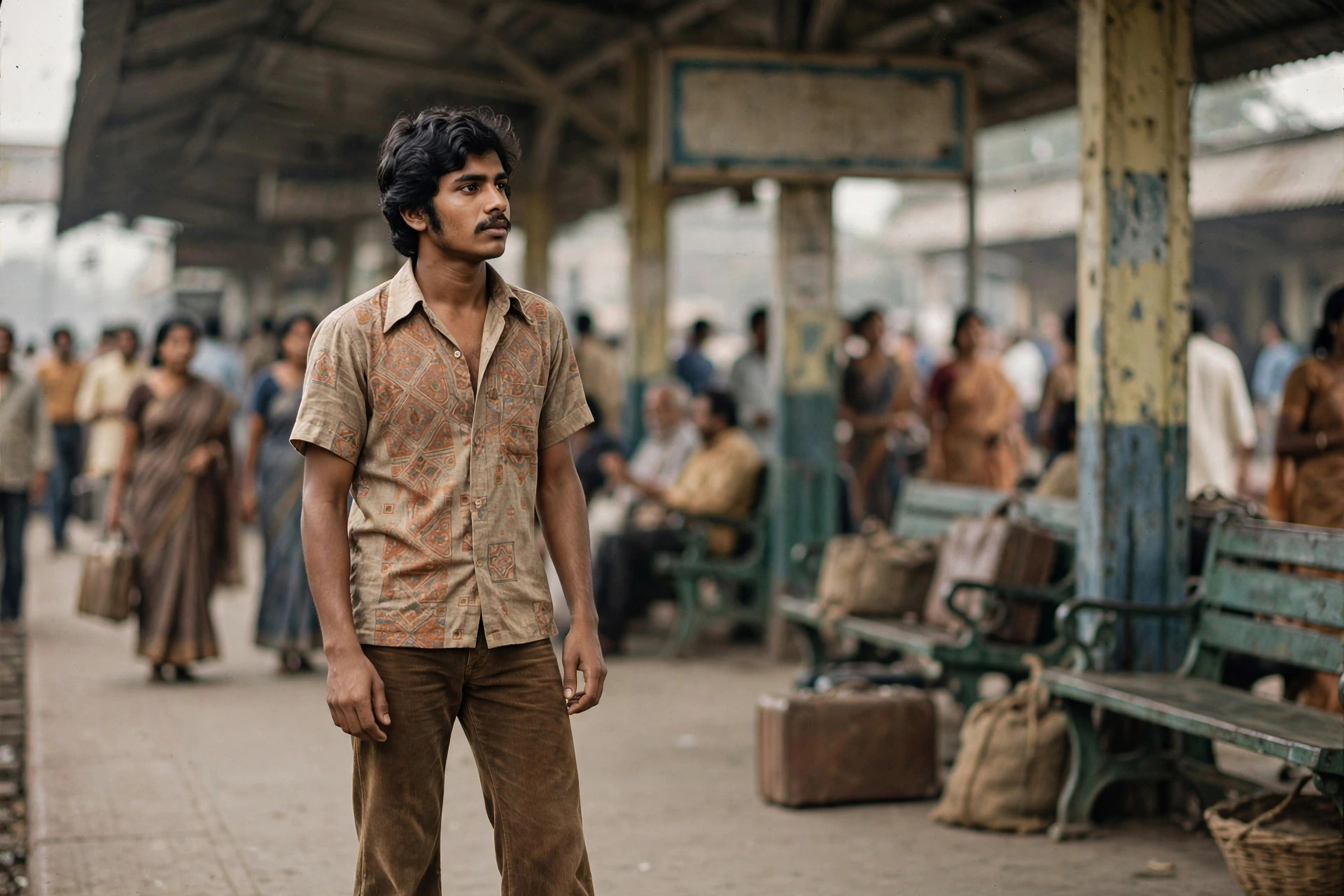
TRENDINGNot a filter, not a studio shoot — this prompt drops you into a believable 1970s Indian moment: a crowded railway platform in 1975, a sunlit rooftop, a department store on opening day. One photo in, a found-from-the-family-album shot out.
PhotoGemini
📋 Copy This Prompt
Transform my uploaded photo into an authentic 1970s Indian photograph. Keep my face, features and expression exactly the same — this must still be recognisably me. Place me in [SCENE — pick one: a busy Indian railway platform in 1975 with period luggage and old signage / a sunlit rooftop with weathered terraces and strong afternoon shadows / the opening day of a newly built Indian department store / a modest neighbourhood street with scooters, balconies and potted plants]. Dress me in authentic 1970s Indian clothing (a simple printed shirt with bell-bottoms, or a saree with a retro blouse). Render it like a real 35mm film photograph from the era: muted faded colours, visible analogue film grain, slightly imperfect exposure, soft natural light. Candid and unstaged — it should look like a photograph found in a family album, not a studio portrait. No text, no watermark, no modern objects, no smartphones.
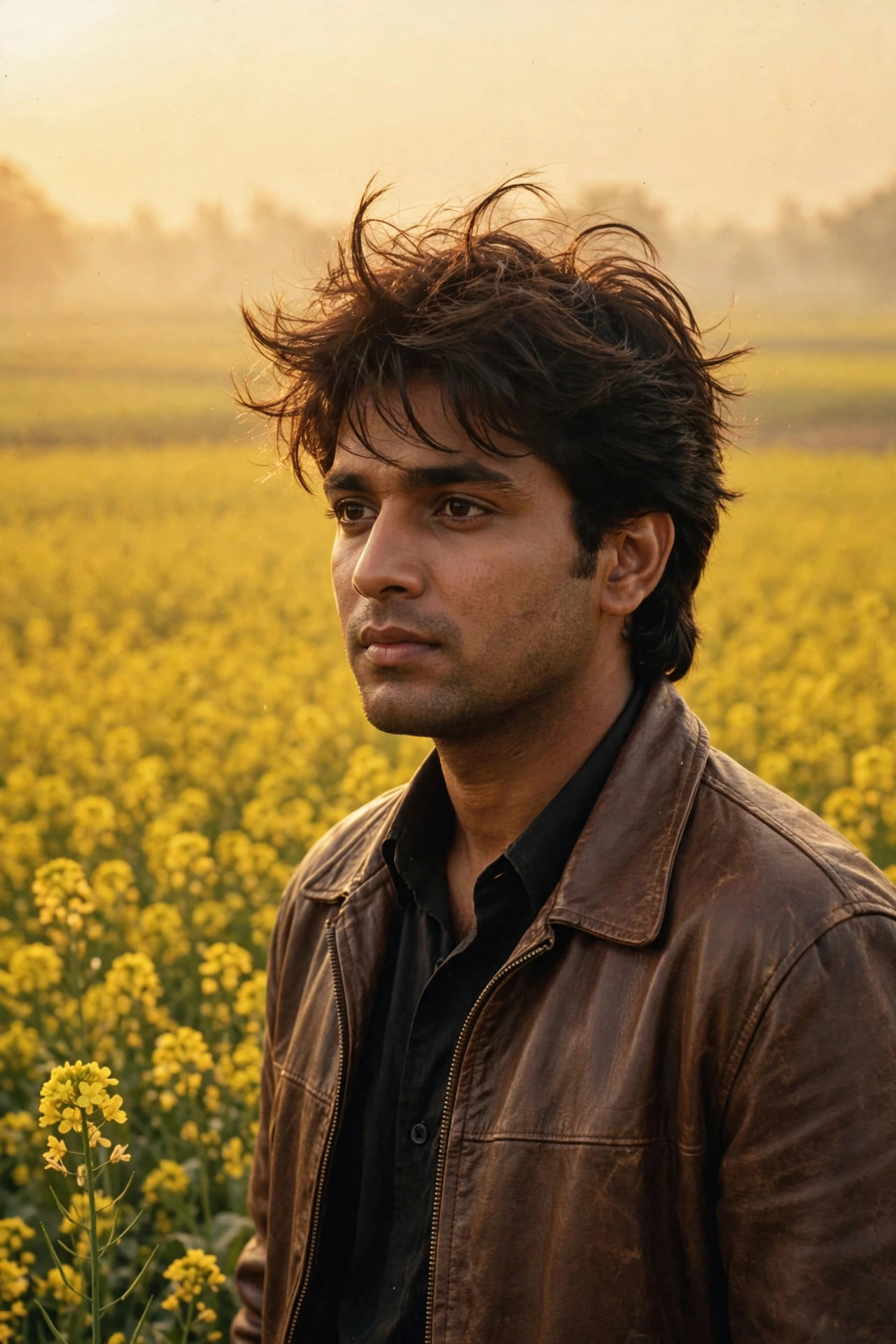
Example Results
View More →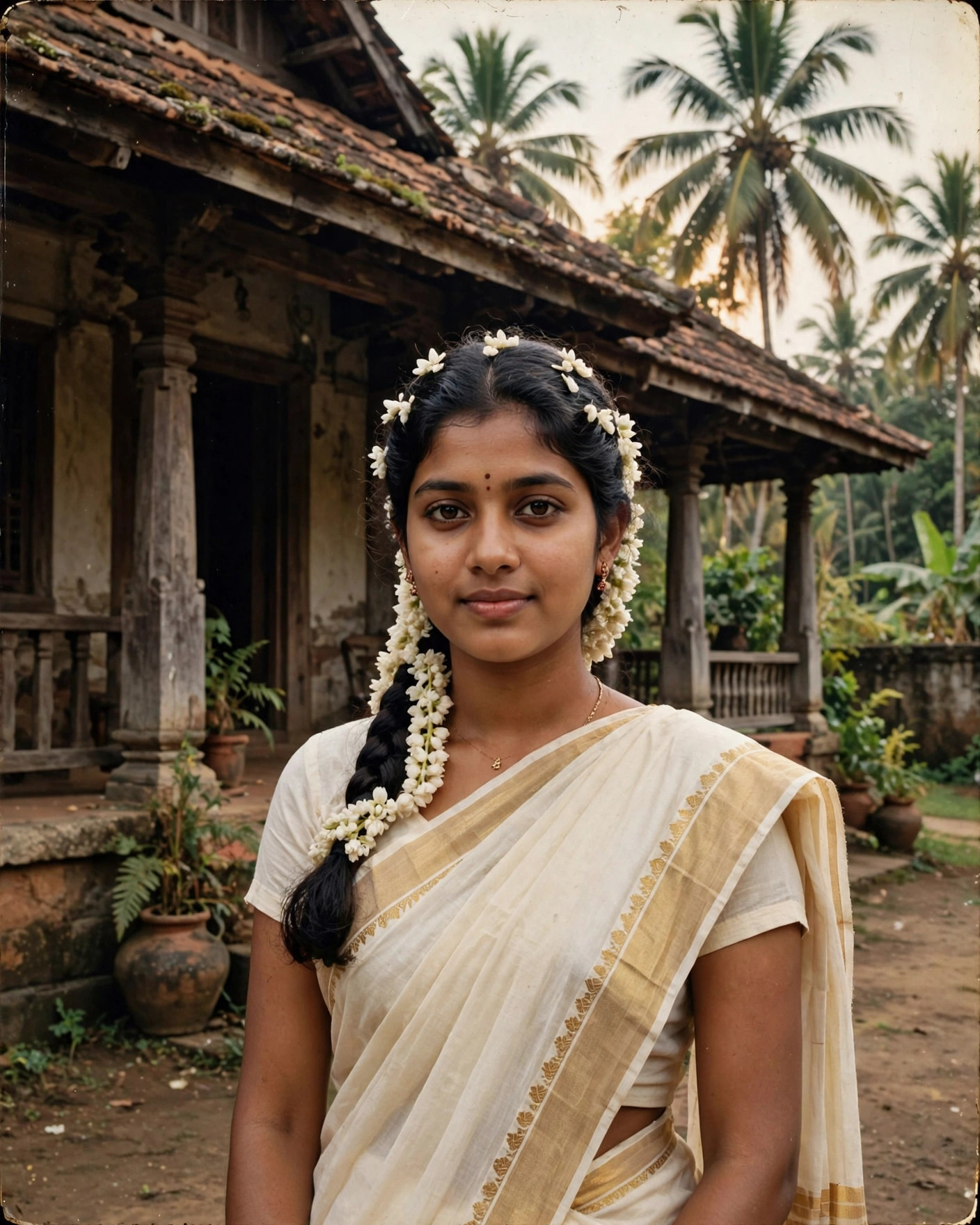
Why This Prompt Works
- Start with a clear, front-facing, well-lit photo — blurry inputs give the AI room to drift your face.
- Swap the bracketed scene to get a new photo: railway platform, rooftop, department store, neighbourhood street — same you, different 1975.
- Name a specific year (1973, 1975, 1977) in the scene line — era-anchored prompts render more convincing period details.
- Skip sunglasses and heavy filters on the input photo; visible eyes and natural skin keep the likeness locked.
- Generate two or three variants and keep the one where your face and the scene's lighting agree — that match is what sells the realism.
Best For
📸Instagram DP👤Profile Pictures📱Social Media Posts🎨Creative Projects👗Fashion Portraits
How to Use−
- Open the Gemini app and start a new chat with image input.
- Upload your clearest front-facing photo.
- Paste the prompt above (pick one scene from the bracketed list) and send.
- Download your favourite result — repeat with a different scene for a full retro set.
Prompt Variations (3)+
- Couple version: replace “my selfie” with “a photo of us together” for a matching couple portrait.
- Festive twist: add “wearing festive ethnic attire, diya-light bokeh in the background” for a Diwali-ready version.
- B&W classic: append “black and white, high-contrast studio portrait” for a timeless monochrome look.
Things to Avoid+
- Skip sunglasses and heavy filters on the input photo; visible eyes and natural skin keep the likeness locked.
- Generate two or three variants and keep the one where your face and the scene's lighting agree — that match is what sells the realism.
- Don’t stack heavy filters afterwards — they undo the realistic finish.
Is this different from the 1970s disco portrait trend?+
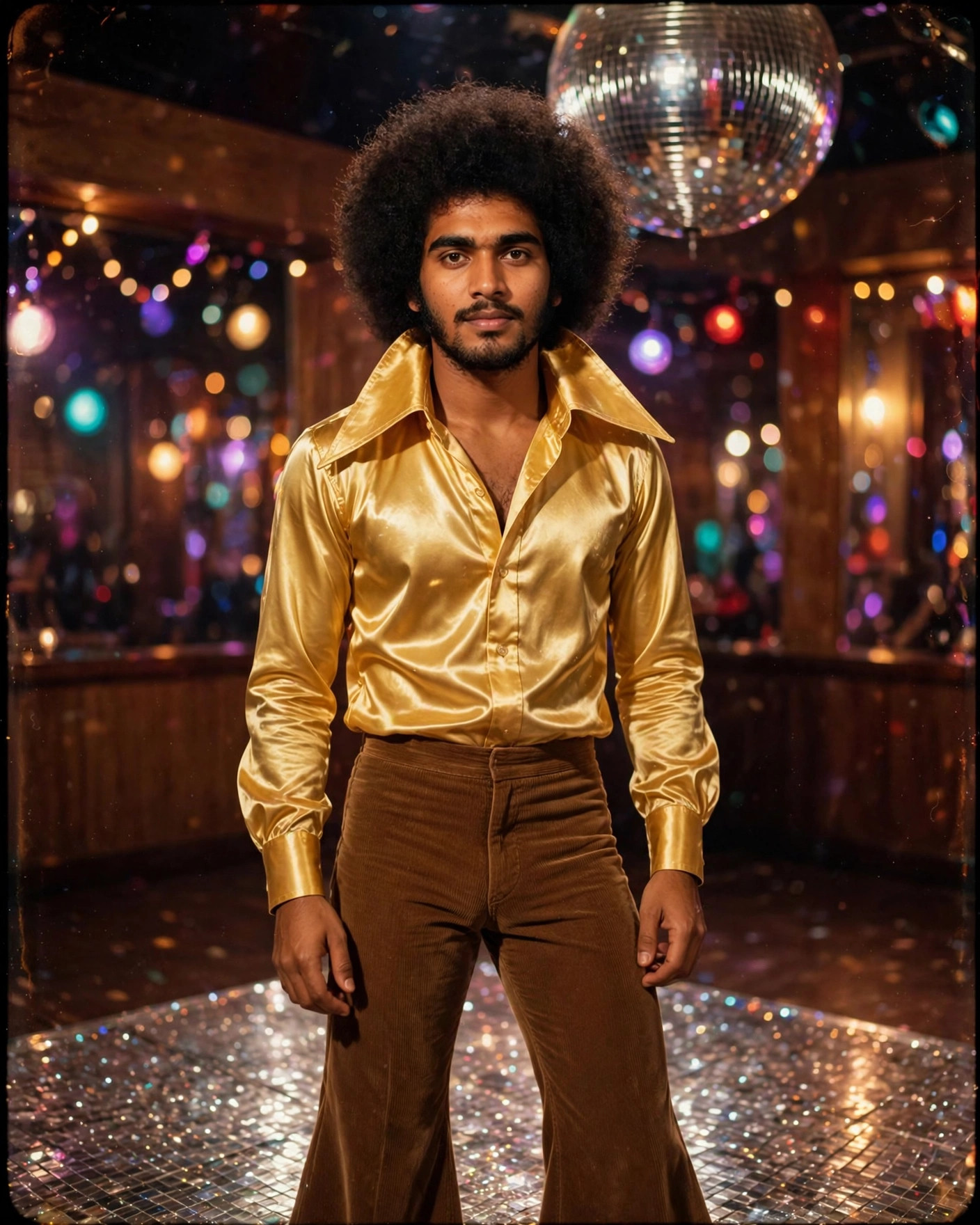
Yes — the disco trend is studio glamour (shiny outfits, dramatic lighting). This is scene-based realism: everyday 1970s India, candid and unstaged, like a found family photograph.
Which app should I use?+
Gemini (Nano Banana image model) — it holds facial identity best for photo-edit prompts like this. ChatGPT also works from an uploaded photo.
Will the photo still look like me?+
Yes, if your input photo is sharp and front-facing. The prompt locks identity first and only changes clothes, setting and film grade.
How do I make it look more authentically 70s?+
Specifics beat adjectives: a year, a place, period objects (scooters, metal benches, trial-lens trays). Vague 'make it vintage' prompts get vague results.
Related Prompts
View All →
🔥 HOT
TRENDING
TRENDING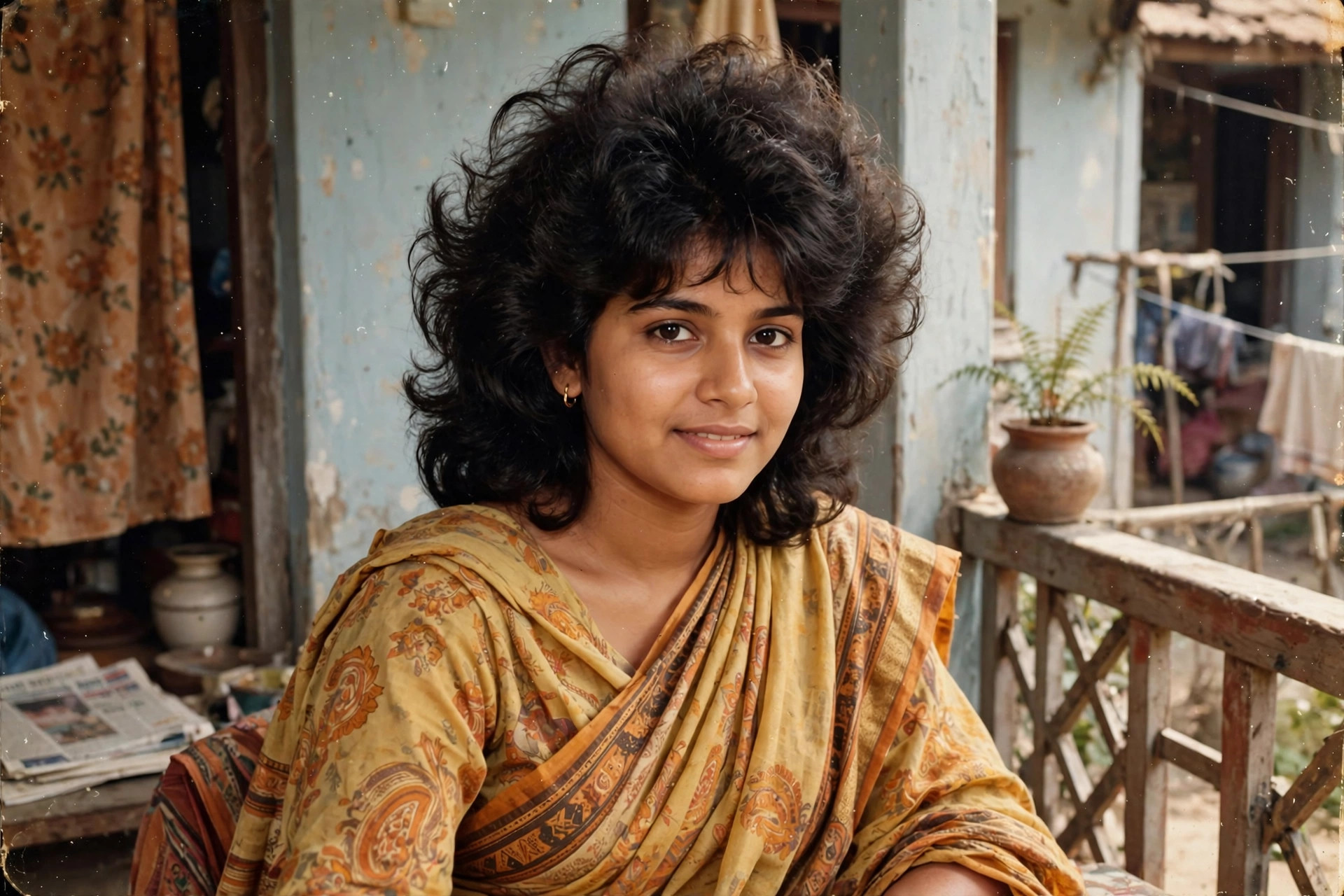 🔥 HOT
🔥 HOTUpdated on 2026-10-07 · Free to use