01What this prompt does
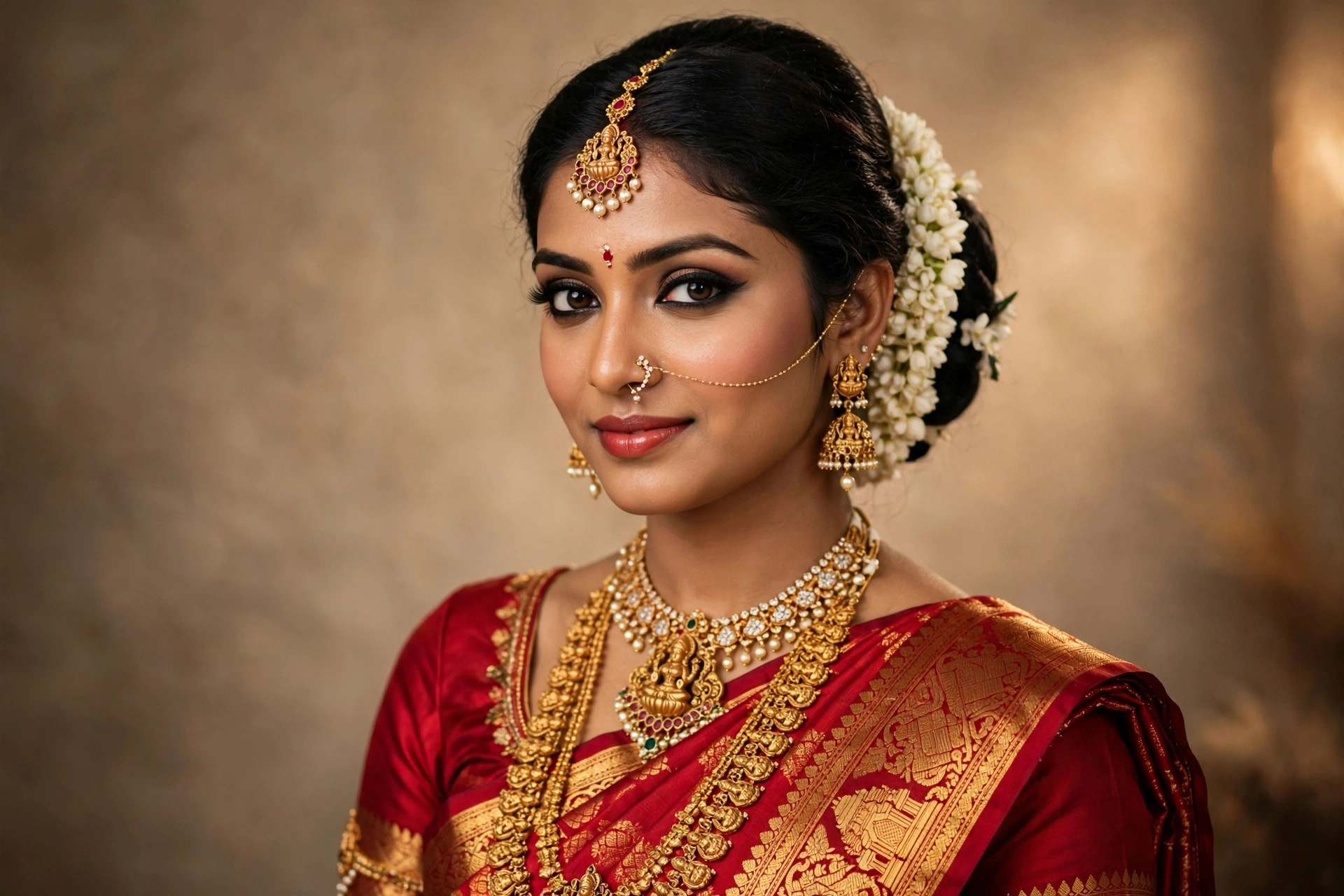
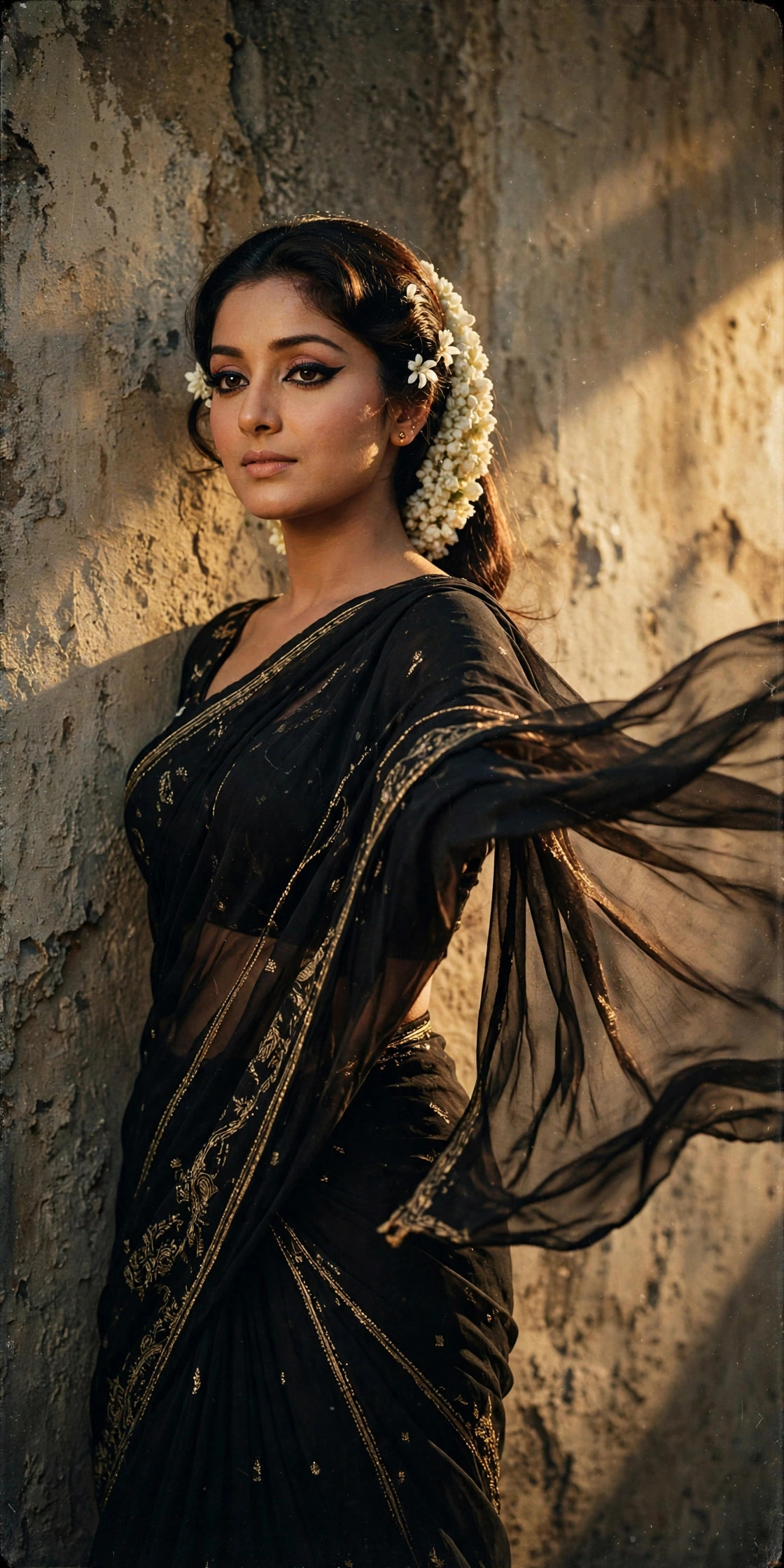
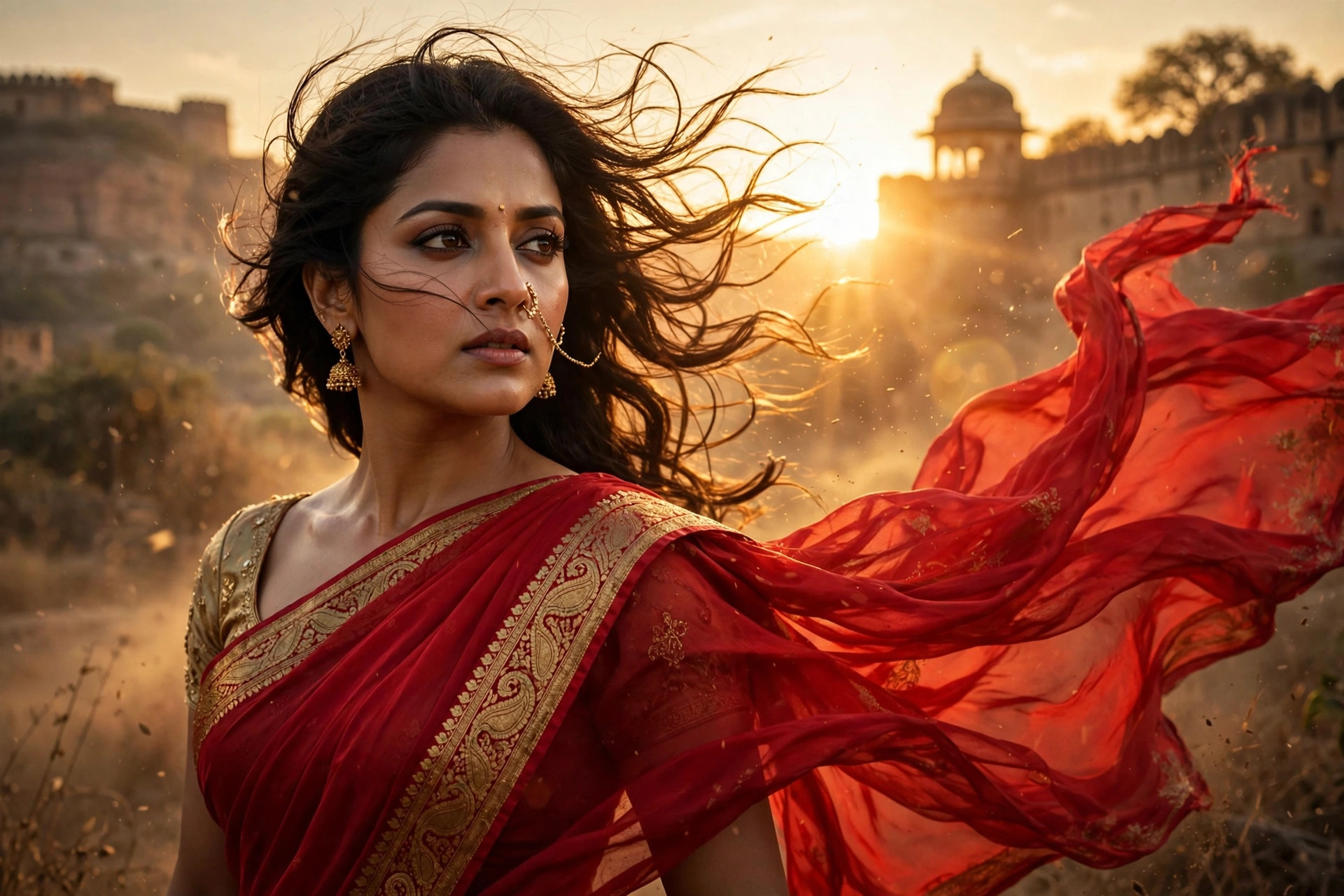
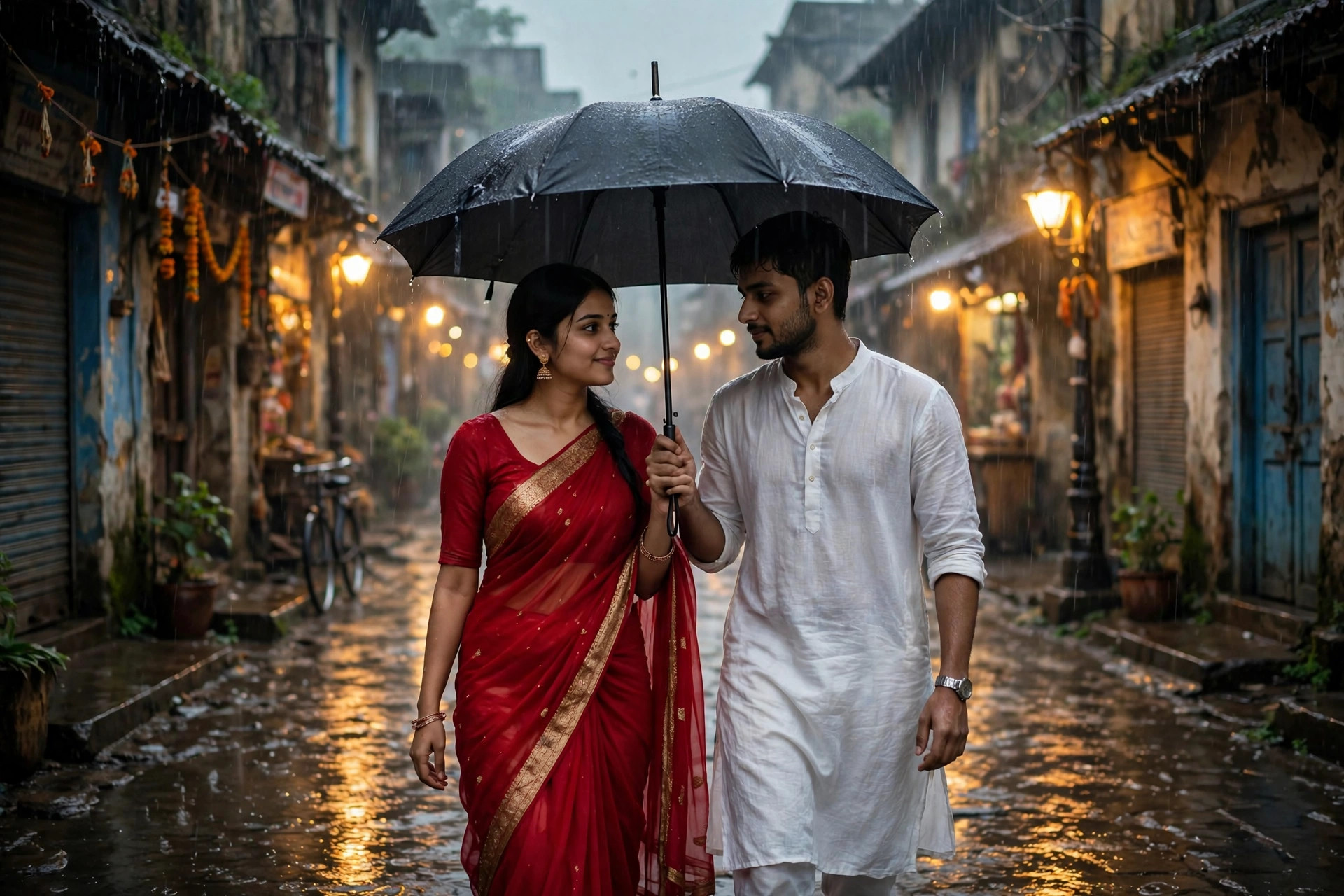
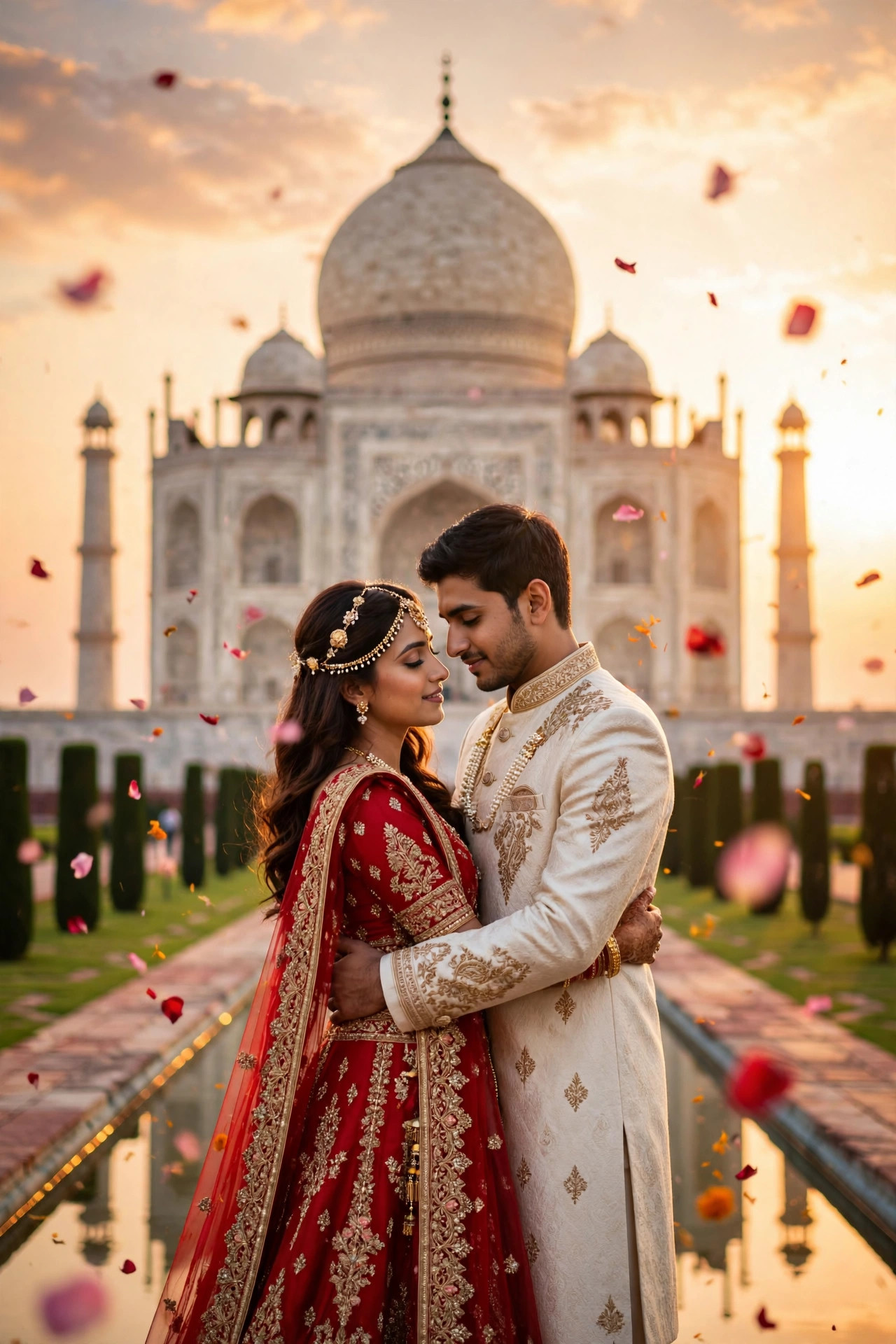
The couples' answer to the Nano Banana wave: upload two selfies and Gemini renders a cinematic pre-wedding shoot — golden-hour embraces at the Taj, temple-step portraits, beach dusk romance — the kind of frame that normally costs a photographer a full day. It caught on because the timing is perfect: wedding season kicks in right after Diwali, and couples are hunting for budget-friendly ways to get the 'shoot' look for announcements and save-the-dates. One prompt, zero camera, infinite backdrops. The [CHOOSE ONE] blocks are the engine — swap scenes, outfits and moods to build a whole album from two uploads. What Gemini does well here is environment and wardrobe; where it struggles is the fine print of intimacy — hands in close embraces, interlocked fingers, tiny jewellery details — so pick poses that keep hands simple and generate a few versions per look.
02Tips to get the best result
- Shoot both photos in similar daylight, ideally the same day — mixed lighting between the two uploads is what breaks the composite.
- Keep hands simple: tucked, resting, or out of frame. AI hands in close embraces are still the number-one glitch in couple edits.
- Use the same aspect ratio for both uploads — it keeps the face-scaling consistent between partners.
- Pick a location that means something to you two ('the fort we visited in Jaipur') instead of a generic beach — personal beats pretty.
- Add names and the date in a caption app afterwards — the AI looks best without baked-in text, which it still garbles.
03How to use it (3 steps)
- Open the Gemini app, start an image-editing chat, and upload both of your photos.
- Paste the prompt above with your chosen [CHOOSE ONE] scene and outfit.
- Generate 3-4 versions per look, save the most faithful one, and post or print it.
04Frequently asked questions
Will Gemini keep our faces exactly the same?−
Mostly — the prompt explicitly forbids face changes, and Gemini preserves identity well from clear photos. Small variations still happen, so generate a few versions and choose the most faithful one.
Do I need a paid plan for this?+
No. Image creation and editing is free for everyone in the Gemini app, per Google — you get plenty of generations a day without paying.
Why do our hands look weird in some results?+
Hands in close contact are a known AI weak spot. Regenerate, or pick a pose with hands tucked or out of frame — one clean pass beats patching.
Can I do this with just my own photo?+
Yes. Solo bridal or groom portraits work the same way — upload one clear photo and pick a single outfit and setting from the prompt.
Can I do it with a friend instead of a partner?+
Absolutely — the prompt just needs two faces. Best-friend shoots and sibling portraits work with the same template.
Updated on 29 September 2026 · Free to use