 TRENDING
Talking Food Video Prompt
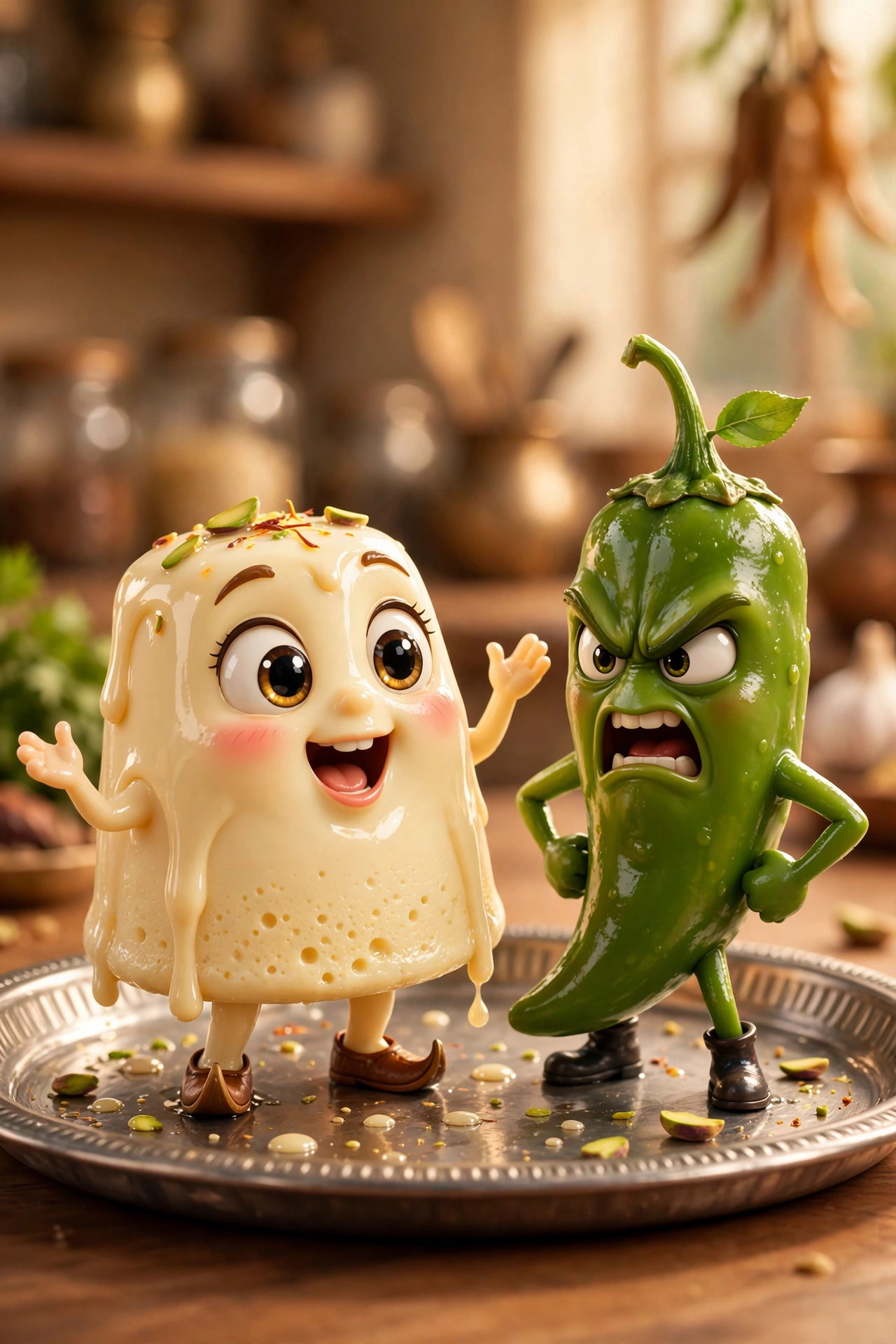
🔥 HOTRasmalai arguing with green chilli. Foxnuts debating health benefits. India's wildest Reels format turns snacks into soap-opera characters — and this prompt shows you exactly how to make your own talking-food clip.
VideoVeo 3
📋 Copy This Prompt
Cinematic 8-second vertical video (9:16): a glossy, expressive 3D cartoon character of [FOOD OR OBJECT — e.g. a soft rasmalai / a green chilli / a samosa] with big animated eyes and a mouth that lip-syncs perfectly to speech. The character stands on [SETTING — e.g. a steel Indian thali / a wooden table] and speaks directly to the camera in Hindi with this exact dialogue: '[YOUR DIALOGUE LINE — keep it under 15 words, funny or dramatic]'. Playful micro-drama tone, smooth bouncy character animation, warm appetising lighting, shallow depth of field, softly blurred background. Camera: locked medium close-up, absolutely no camera movement. Dialogue audio clear and upfront. No subtitles, no text overlays, no watermark, no extra characters, no human faces.
Example Results
View More →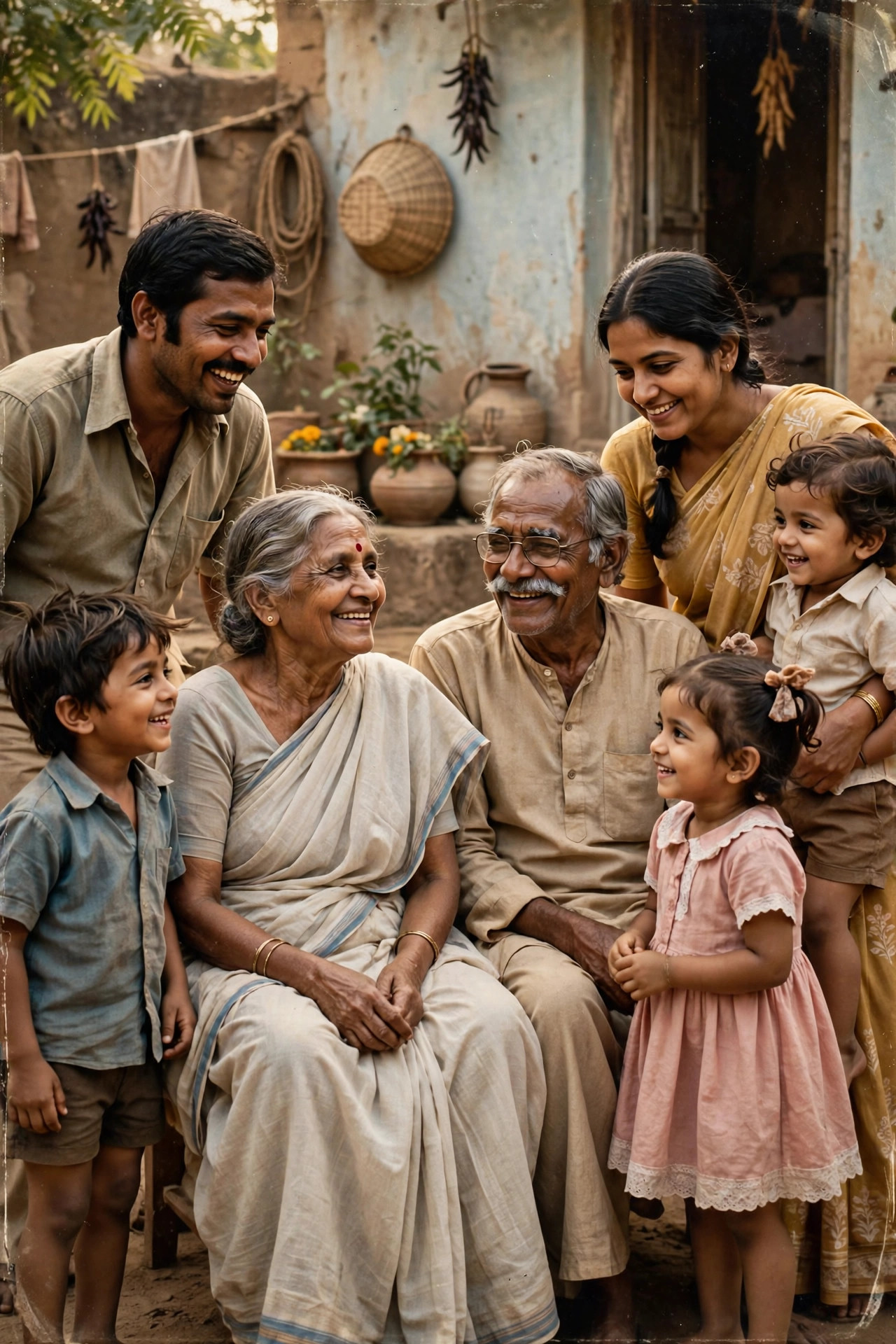
Why This Prompt Works
- Give the food a personality hook in your dialogue — nervous idli, arrogant vada, wise old jaggery. Personality is what gets shared.
- Keep the dialogue under 15 words. Short punchy lines lip-sync cleanly; long speeches turn to mush.
- One character per clip. Crowded food casts confuse the animation and the lip-sync.
- Describe the eyes and mouth explicitly ('big animated eyes, mouth that lip-syncs perfectly') — that's the line that makes the food feel alive.
- Generate 2–3 takes and post the one with the cleanest lip-sync; audio timing varies between generations.
Best For
🎬Instagram Reels▶️YouTube Shorts📱Social Media Posts🎨Creative Projects🔥Viral Videos
How to Use−
- Write your dialogue line first — funny, dramatic or savage, in Hindi or Hinglish, under 15 words.
- Open Veo 3 (or Google Flow) and start a new text-to-video generation.
- Paste the prompt above, filling in your food, setting and dialogue line.
- Download the best take and post it as a Reel — vertical 9:16 is already baked in.
Prompt Variations (3)+
- Dramatic cut: add “slow cinematic camera push-in over 8 seconds” for a more dramatic clip.
- Loop version: end with “seamless loop” so it replays perfectly on Reels.
- Sound cue: add “with soft ambient background music” if your tool supports audio.
Things to Avoid+
- Keep the dialogue under 15 words. Short punchy lines lip-sync cleanly; long speeches turn to mush.
- Don’t ask for too much motion in one clip — one clear action looks best.
- Don’t skip the preview — regenerate once if faces or hands look off.
Which app makes talking food videos?+
Veo 3 handles dialogue-driven character clips best; Google Flow and Kling AI also work. All three are named by Indian creators making this exact format.
How long are the clips?+
About 8 seconds per generation — the perfect length for a Reels punchline. Chain 2–3 clips for a longer scene.
Can the dialogue be in Hindi?+
Yes — put your Hindi or Hinglish line in the dialogue brackets exactly as you want it spoken.
Is this different from the talking baby trend?+
Yes. Talking baby animates a person's photo; this creates an original 3D food/object character from scratch — a different genre with its own viral audience.
More AI Talking Photo Video Prompts →
Related Prompts
View All →
TRENDING
TRENDING
🔥 HOT TRENDING
Updated on 2026-10-07 · Free to use