01What this prompt does
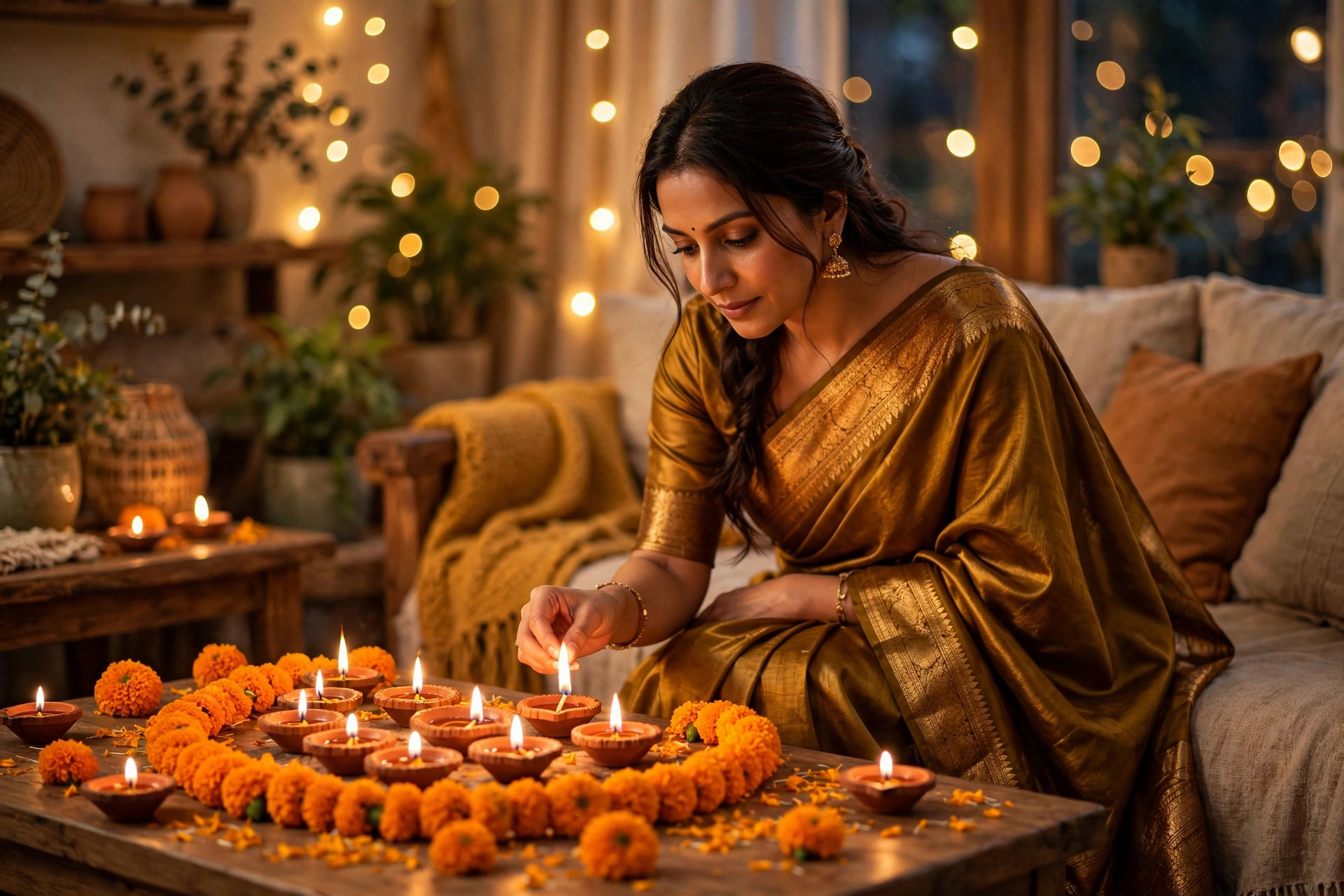
This prompt takes your ordinary selfie and re-lights it as if you were photographed surrounded by a hundred diyas on Diwali night. Instead of changing your clothes or background, it works with what is already there — your face, your pose — and rebuilds only the light: warm, golden, flickering oil-lamp light from below with a soft bokeh of diyas behind you. It makes a strong Diwali profile picture because it looks expensive and festive without the uncanny 'AI costume' feel of full outfit swaps.
02Tips to get the best result
- Upload a photo with a dark or plain background — the diya glow pops hardest when there is darkness for it to fight against.
- Face the camera straight-on or at a slight three-quarter angle; profile shots lose the cheekbone glow that sells the look.
- If the AI overcooks the orange, add 'subtle warm tones, keep my natural skin colour' to the end of the prompt.
- Generate twice and pick the version where your eyes caught the light — that single catchlight is what makes it look real.
- Pair it with a simple maroon, black or deep green outfit in the source photo — dark clothes make the golden light sing.
03How to use it (3 steps)
- Upload a sharp selfie (dark background works best) to Gemini's image chat.
- Paste the diya-glow prompt above and let it re-light the scene.
- Save the version where your expression survived, and post it as your Diwali profile picture or festive post.
04Frequently asked questions
Will it still look like me?−
Yes — the prompt explicitly locks your face, expression and pose, and only rebuilds the lighting. A sharp, well-lit source photo keeps the likeness strongest.
Which app works best for this?+
Gemini's image model handles the warm light falloff and bokeh most naturally. ChatGPT's image editor also works, though the glow can run slightly hotter.
Can I use a group or couple photo?+
You can, but the diya glow is tuned for a single face. For couples, try the Diwali ethnic couple prompt on this site instead — it is built for two people.
Why does mine look too orange?+
The model sometimes pushes the warmth too far. Append 'subtle warm tones, natural skin colour' to the prompt and regenerate — one line fixes it.
Updated on 29 September 2026 · Free to use