 TRENDING
Pastel Saree Editorial Portrait Prompt: Magazine Edition (Gemini)
HOTThe prettiest AI trend on the feed right now — one selfie, one prompt, and you are on the cover of a fashion magazine: pastel linen saree, blush-pink wall, golden-hour skin.
PhotoGemini
📋 Copy This Prompt
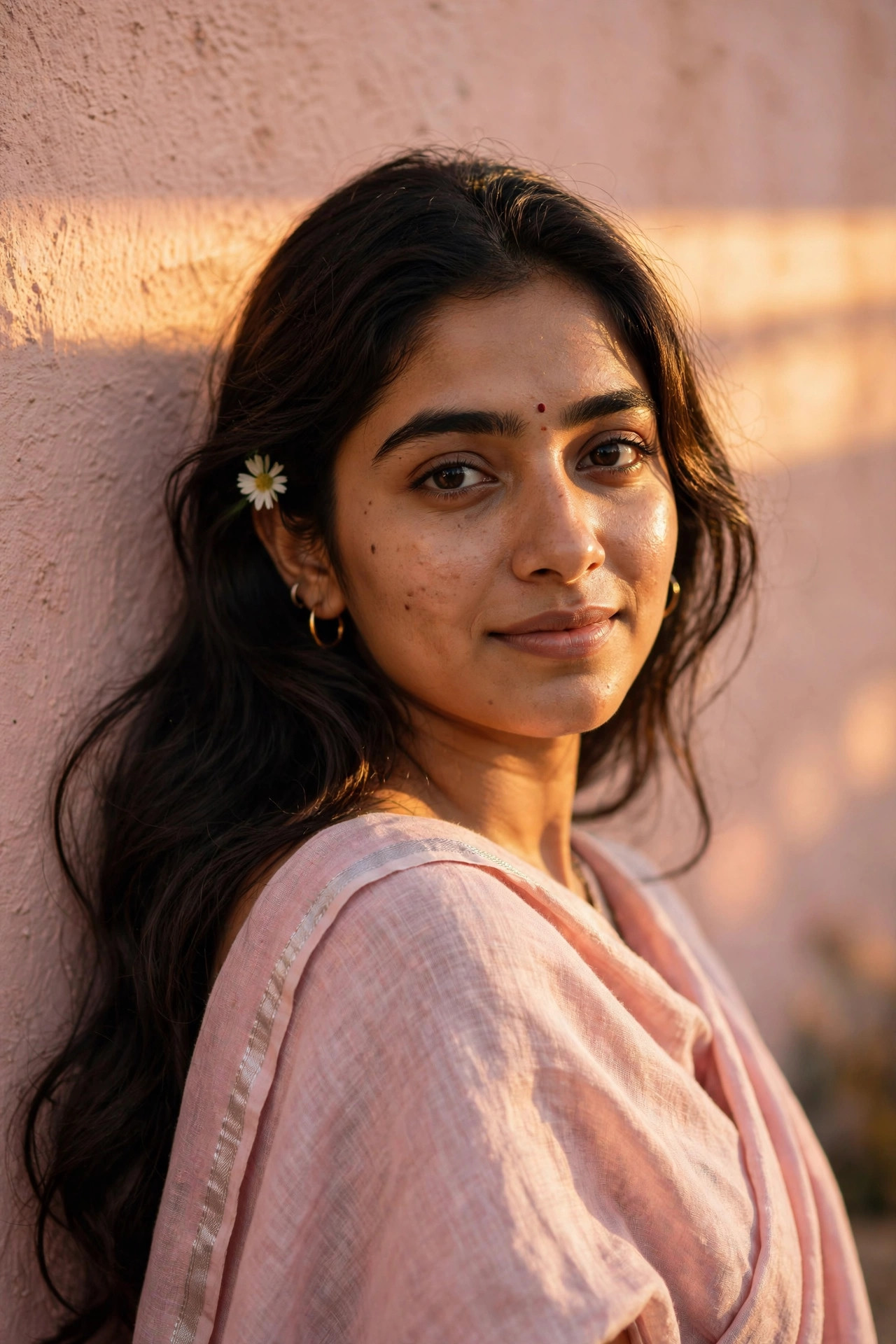
Turn my photo into an ultra-realistic editorial magazine portrait: keep my face, skin tone and expression EXACTLY the same — no changes, no beautification, no smoothing. Restyle me in a soft pastel-pink linen saree with a delicate silver border, a small red bindi, simple gold hoop earrings, and a tiny white daisy tucked behind my ear. Background: a textured blush-pink wall with a horizontal band of warm golden sunlight and soft shadow across it. Golden-hour light on the face, natural effortless expression, looking directly at the camera. Shallow depth of field, 85mm portrait photography look, realistic skin texture with subtle imperfections, cinematic colour grading. Minimal, elegant, high-detail. No text, no watermarks, no distorted features.
Example Results
View More →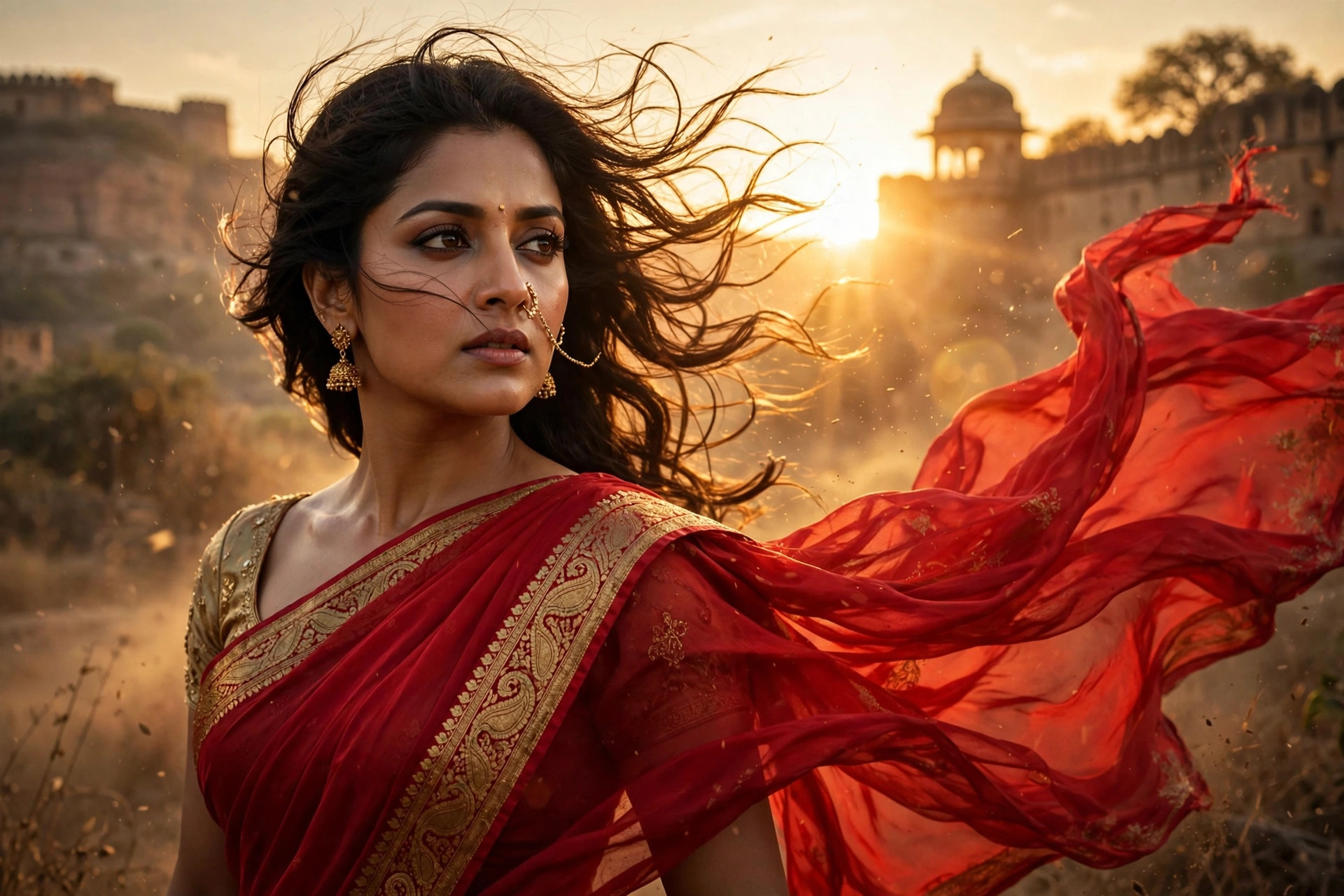
Why This Prompt Works
- Start with a well-lit, front-facing selfie — the editorial look is 90% good light on a real face.
- Keep your expression soft and neutral; a gentle almost-smile beats a big grin for the magazine mood.
- If the saree comes out too saturated, add “soft muted pastel, desaturated” before the fabric line and regenerate.
- Do not delete the “subtle imperfections” line — real skin texture is exactly what separates this from AI-slop portraits.
- Try wall-colour swaps after the first: blush-pink, sage, warm cream — same you, three editorial covers.
Best For
📸Instagram DP👤Profile Pictures📱Social Media Posts🎨Creative Projects👗Fashion Portraits
How to Use−
- Upload a clear front-facing selfie to Google Gemini.
- Paste the prompt above exactly as written and press enter.
- Save the portrait, confirm your face matches the original, and post it — this one needs no caption help.
Prompt Variations (3)+
- Couple version: replace “my selfie” with “a photo of us together” for a matching couple portrait.
- Festive twist: add “wearing festive ethnic attire, diya-light bokeh in the background” for a Diwali-ready version.
- B&W classic: append “black and white, high-contrast studio portrait” for a timeless monochrome look.
Things to Avoid+
- Do not delete the “subtle imperfections” line — real skin texture is exactly what separates this from AI-slop portraits.
- Don’t delete the “keep my face unchanged” line, or the result won’t look like you.
- Don’t stack heavy filters afterwards — they undo the realistic finish.
Which tool runs this trend?+
Google Gemini’s image editing — upload your selfie there and paste the prompt. No separate app needed.
Will it change my face?+
It should not — the prompt locks your face, skin tone and expression as identical; only the styling, light and wall change. Regenerate if a version drifts.
How is this different from the red saree trend?+
That one is cinematic and dramatic — film-poster energy. This one is modern editorial: soft pastels, minimal styling, magazine-cover calm.
Can men use this prompt too?+
Yes — swap the saree line for a pastel kurta in the same blush palette and keep the wall and light untouched. The editorial formula works the same.
Related Prompts
View All →
TRENDING
TRENDING
HOT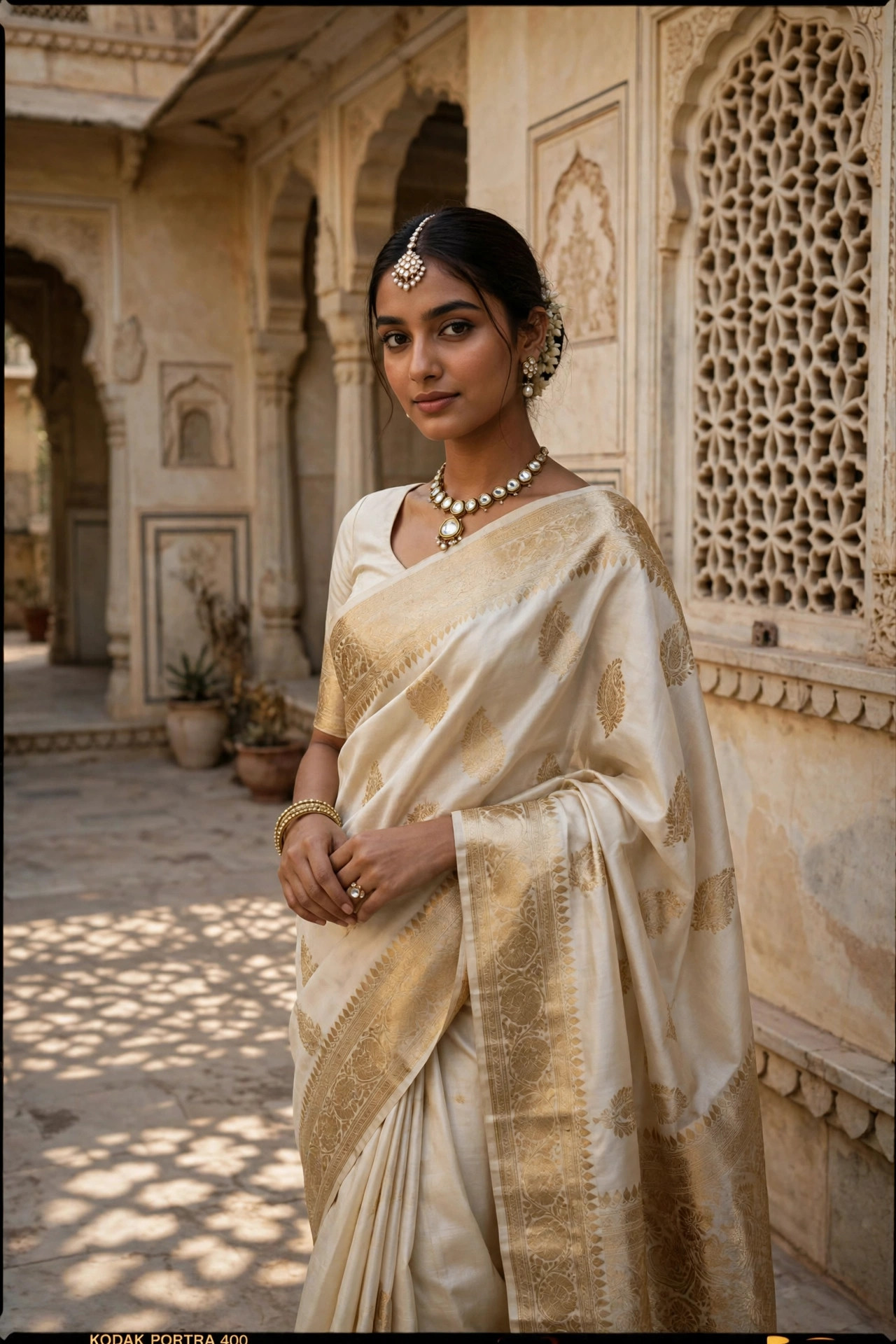 TRENDING
Updated on 5 October 2026 · Free to use