Cherry Blossom Couple Meet-Cute Video Prompt
A 15-second cinematic mini love story under cherry blossoms — made from a single selfie, no partner needed.
What this prompt does
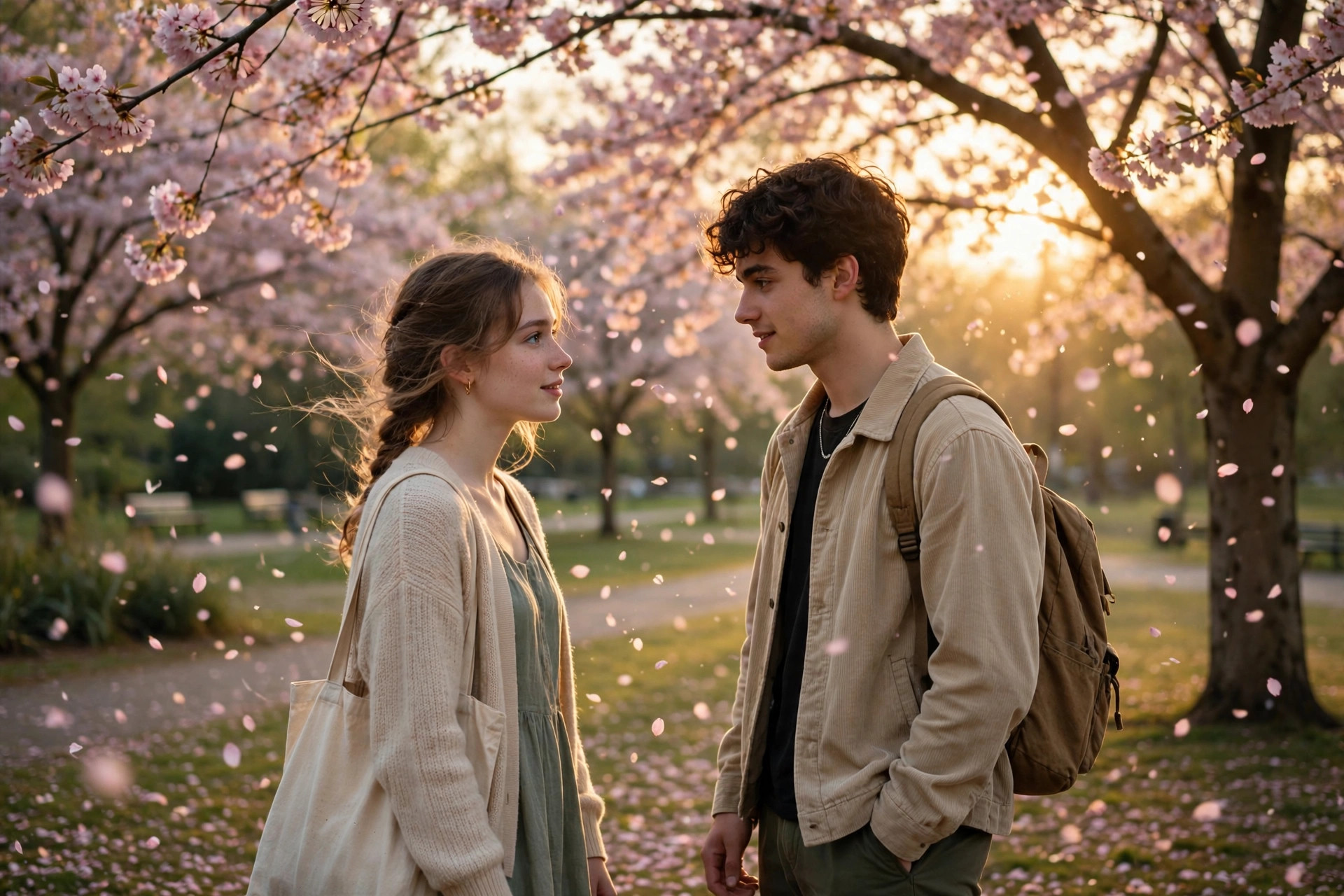
The cherry-blossom meet-cute is the solo creator's answer to couple content: a 15-second cinematic mini love story — slow push-ins, close-ups, the bag-drop moment, a soft fade — generated from a single selfie, no partner required. It runs on Google Veo 3 (via Gemini or Google Flow) in vertical 9:16 with no dialogue, just visuals and music. The aesthetic is instantly shareable: falling petals, golden hour, dreamy grade. This page provides an original scene-by-scene template (four timed beats) because no canonical viral wording was published — the structure is what matters, since Veo 3 follows scene breakdowns far better than one long paragraph. The killer feature for Indian creators: you can make romantic couple-style content entirely alone, which is why this format keeps resurfacing every spring and wedding season.
Tips to get the best result
- Scene-by-scene beats (with timestamps) give far better results than a single paragraph in Veo 3.
- 'Consistent face throughout all scenes' is the most important line — repeat the likeness instruction.
- Generate at 16:9 too and crop — wider generations often have better composition.
- Pair with a soft instrumental; no-dialogue videos live or die by their music choice.
How to use it (3 steps)
- Upload one clear selfie to Veo 3 (via Gemini or Flow).
- Paste the four-scene template prompt.
- Add music, keep it 15 seconds, and post as a Reel.
Frequently asked questions
Do I need a partner for this video?
No — that is the point. The whole mini love story is generated from your single selfie.
Is this the exact viral prompt?
No — this is an original scene-by-scene template written for this page in the style of the trend.
How long should the video be?
15 seconds in 9:16 vertical — the template's four scenes are timed to that length.
Updated on 27 September 2026 · Free to use