Blog

Viral YouTube Thumbnail Prompt

NEW

Thumbnails decide clicks before titles do. This prompt generates high-contrast 16:9 thumbnail art β€” expressive faces, punchy colours, clean space for your text β€” ready to upload.

PhotoGemini
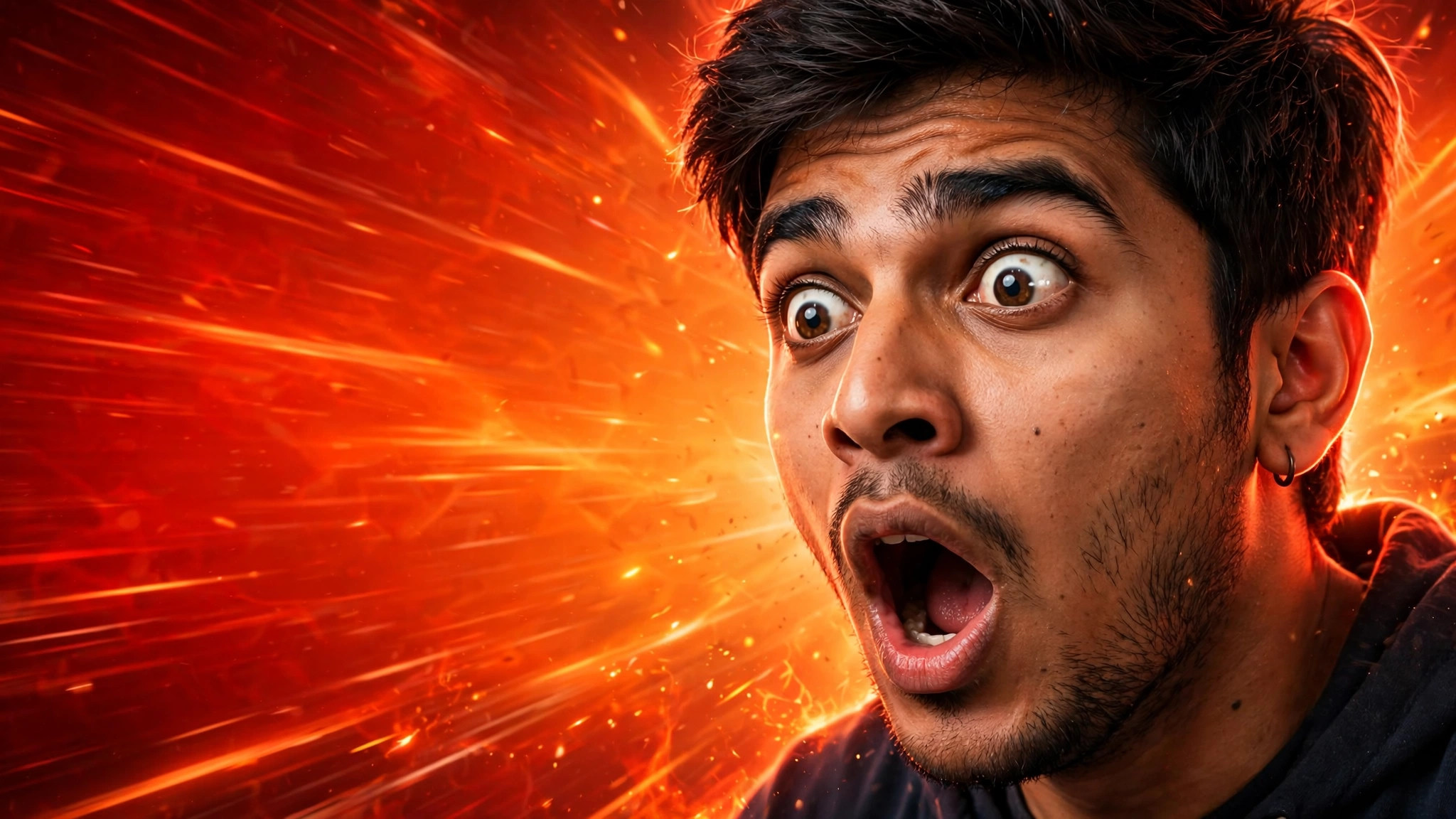
Viral YouTube Thumbnail β€” example result
πŸ“‹ Copy This Prompt
Create a viral YouTube thumbnail in 16:9 landscape format (1280x720 composition). Subject: [DESCRIBE YOUR VIDEO TOPIC, e.g. a young Indian man looking shocked]. Style: extreme close-up of an expressive face on one side, mouth open in shock, eyes wide, dramatic rim lighting. Background: bold gradient (deep red to orange) with subtle speed lines and glow effects. Composition: face on the right third, empty space on the left third for title text. Colours: ultra-saturated, high contrast, crisp edges. Details: sharp focus on eyes, cinematic depth of field, no text, no watermark, no logo. Make it look like a top Indian YouTuber's thumbnail β€” loud, clean and impossible to scroll past.

Example Results

View More →
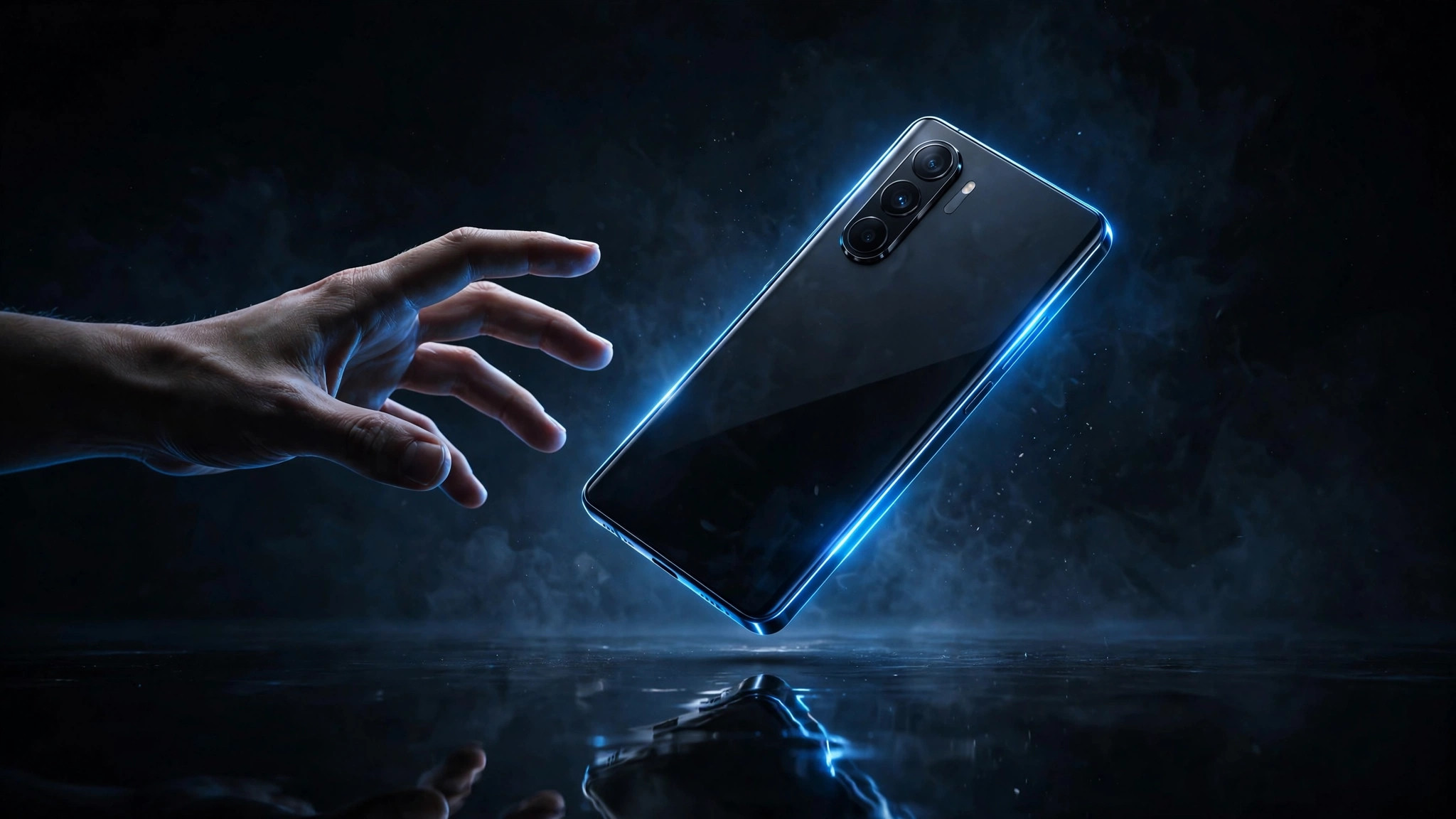
Tech Review Thumbnail example
Tech Review Thumbnail
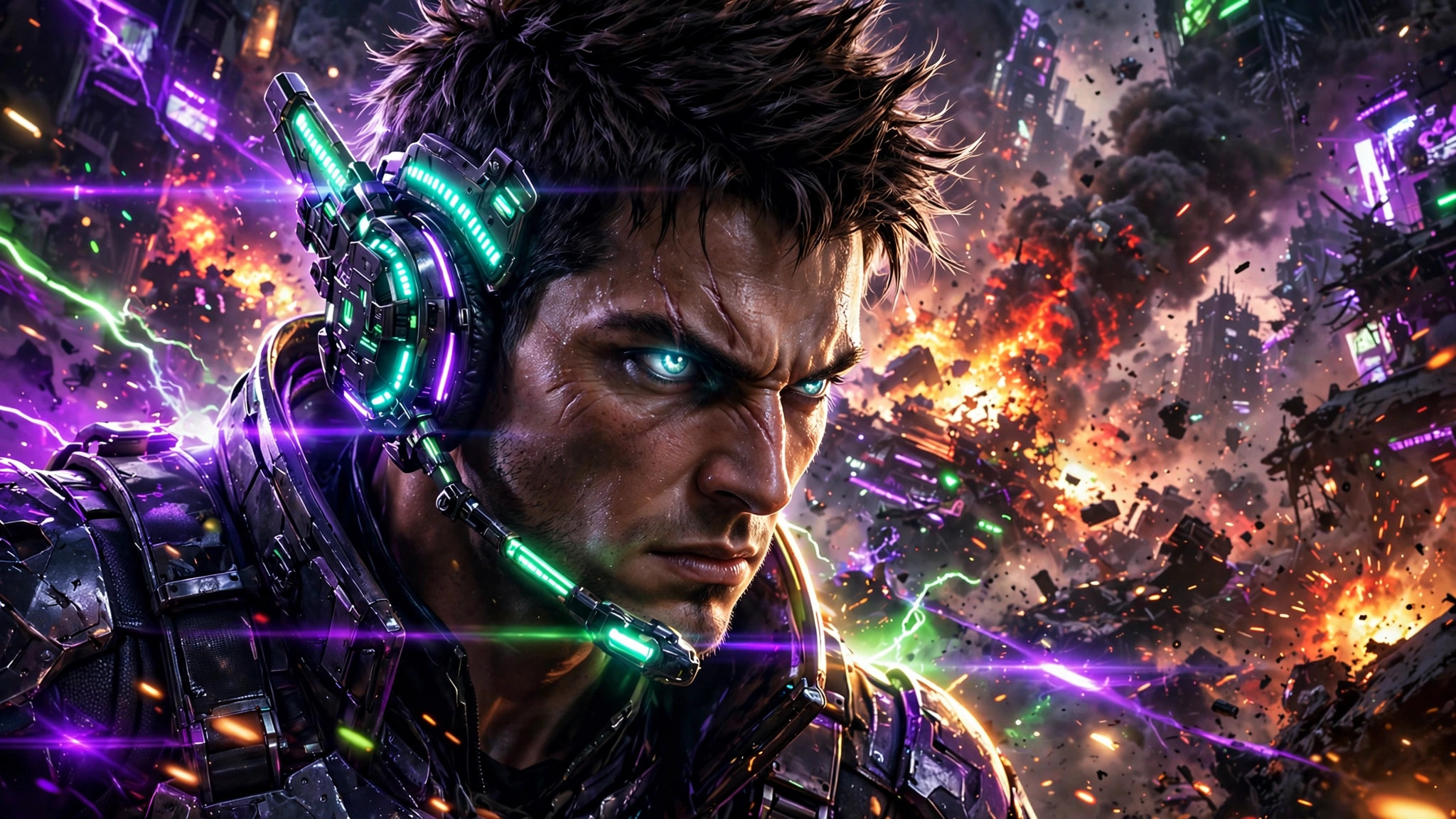
Gaming Thumbnail example
Gaming Thumbnail
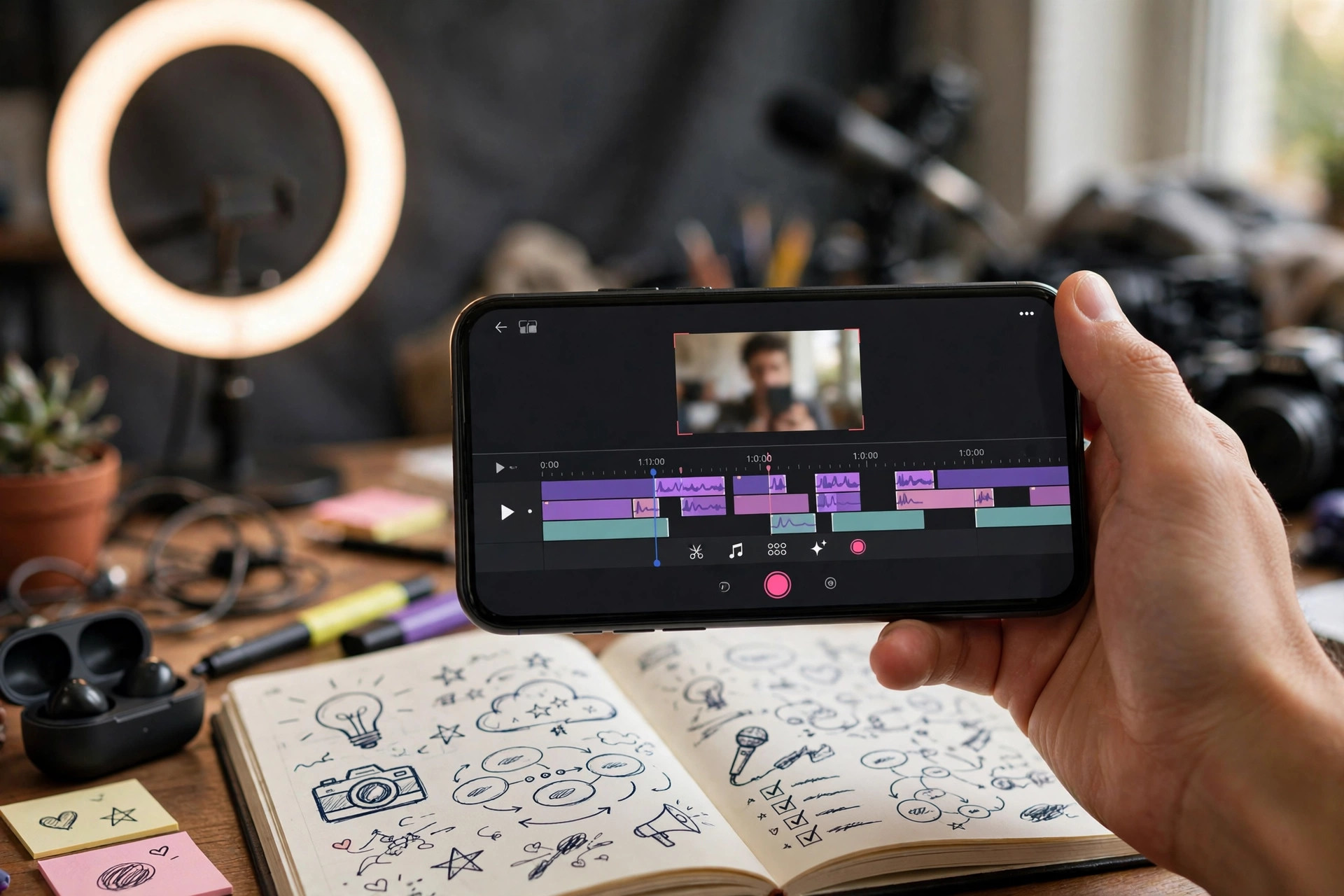
Instagram Hook Generator example
Instagram Hook Generator

Why This Prompt Works

  • Keep the face on one side and leave the other side empty for text β€” crowded thumbnails lose clicks.
  • Generate 2-3 variants and A/B test them for the first 24 hours.
  • Add only 3-4 bold words in your editor; the image already does the shouting.

Best For

πŸ“ΈInstagram DPπŸ‘€Profile PicturesπŸ“±Social Media Posts🎨Creative ProjectsπŸ‘—Fashion Portraits
How to Use−
  1. Copy the prompt above.
  2. Replace the bracketed topic with your video's subject.
  3. Paste into Gemini and generate.
  4. Add your title text in Canva or any free editor.
  5. Upload as your video thumbnail.
Prompt Variations (3)+
  • Couple version: replace β€œmy selfie” with β€œa photo of us together” for a matching couple portrait.
  • Festive twist: add β€œwearing festive ethnic attire, diya-light bokeh in the background” for a Diwali-ready version.
  • B&W classic: append β€œblack and white, high-contrast studio portrait” for a timeless monochrome look.
Things to Avoid+
  • Keep the face on one side and leave the other side empty for text β€” crowded thumbnails lose clicks.
  • Don’t delete the β€œkeep my face unchanged” line, or the result won’t look like you.
  • Don’t stack heavy filters afterwards β€” they undo the realistic finish.
What size should the thumbnail be?+

YouTube wants 1280x720 (16:9). This prompt is composed for exactly that frame β€” generate landscape and upload directly.

Will AI thumbnails hurt my channel?+

No β€” YouTube only cares about clicks and watch time. AI art is fine as long as it honestly represents the video.

Should I add text on the thumbnail?+

Yes, 3-4 bold words max. This prompt deliberately leaves empty space on one side for your text.

Related Prompts

View All →

Updated on 2026-10-06 · Free to use