Blog

Gaming Thumbnail Prompt

NEW

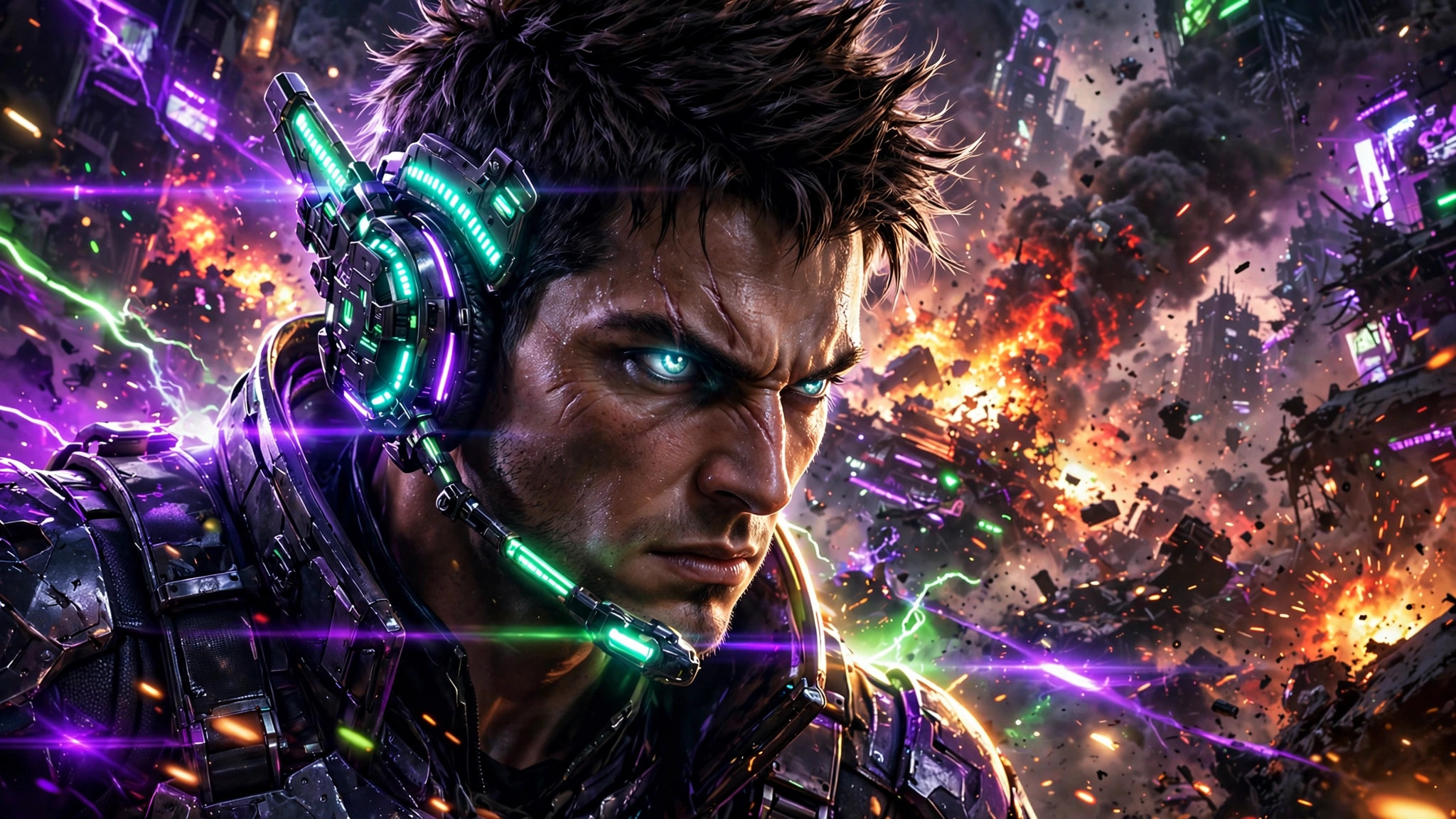
Gaming thumbnails are a neon arms race. This prompt generates explosive 16:9 gaming art β€” glowing character, dramatic scene, colours that scream click me.
PhotoGemini
Gaming Thumbnail β€” example result
πŸ“‹ Copy This Prompt
Create a gaming YouTube thumbnail in 16:9 landscape format. Game vibe: [YOUR GAME, e.g. BGMI-style battleground / GTA-style city chase]. Style: a fierce gaming character with a glowing headset in the foreground, three-quarter view, intense eyes. Background: explosive battle scene with fire, smoke and neon purple-green lighting. Effects: lens flares, energy sparks, dramatic rim light on the character. Composition: character on the right, action on the left, top strip kept clean for text. Ultra-vibrant, hyper-detailed, no text, no watermark. Make it look like a top Indian gaming channel's thumbnail β€” loud, electric, unmissable.

Example Results

View More →
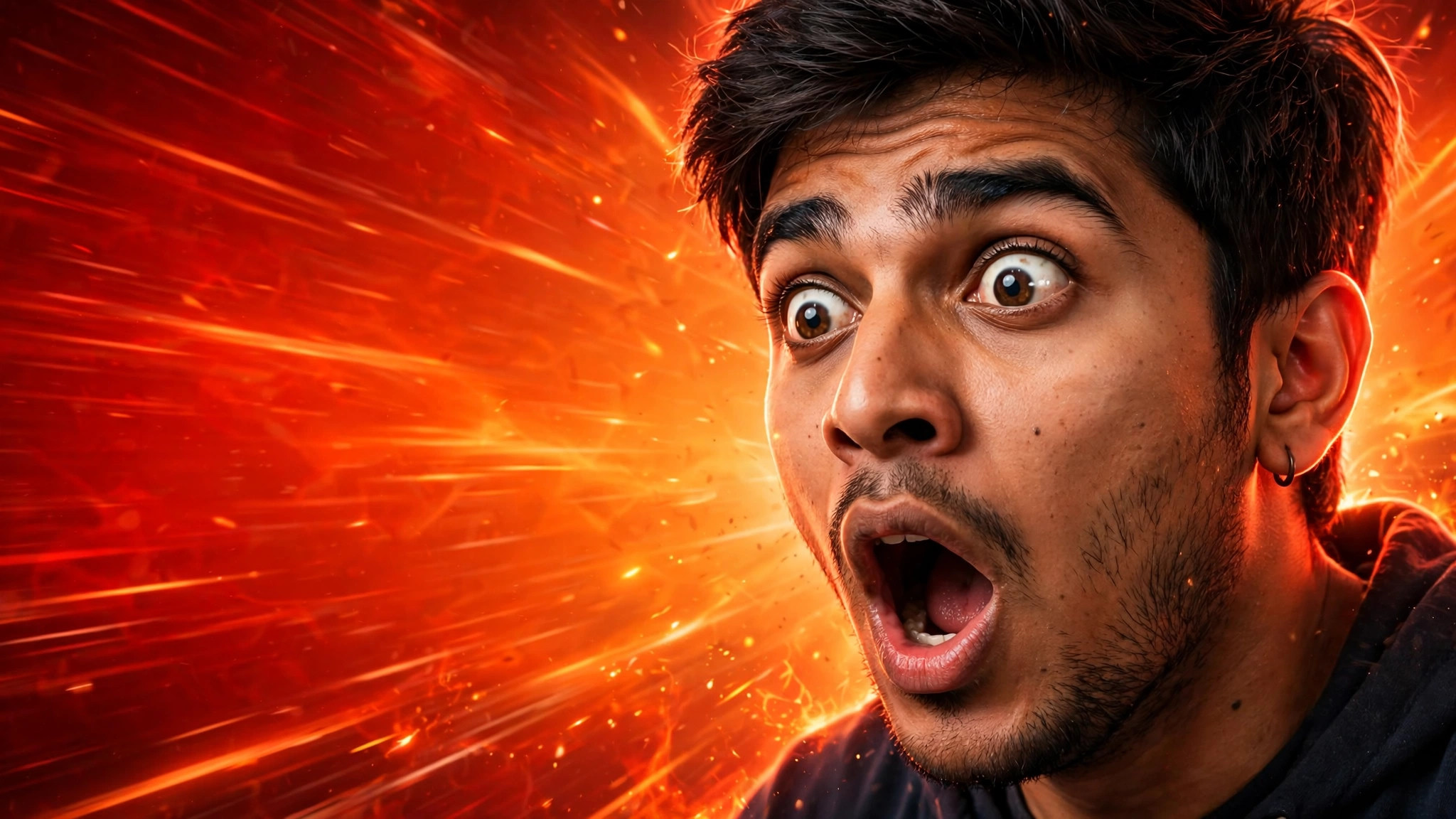
Viral YouTube Thumbnail example
Viral YouTube Thumbnail
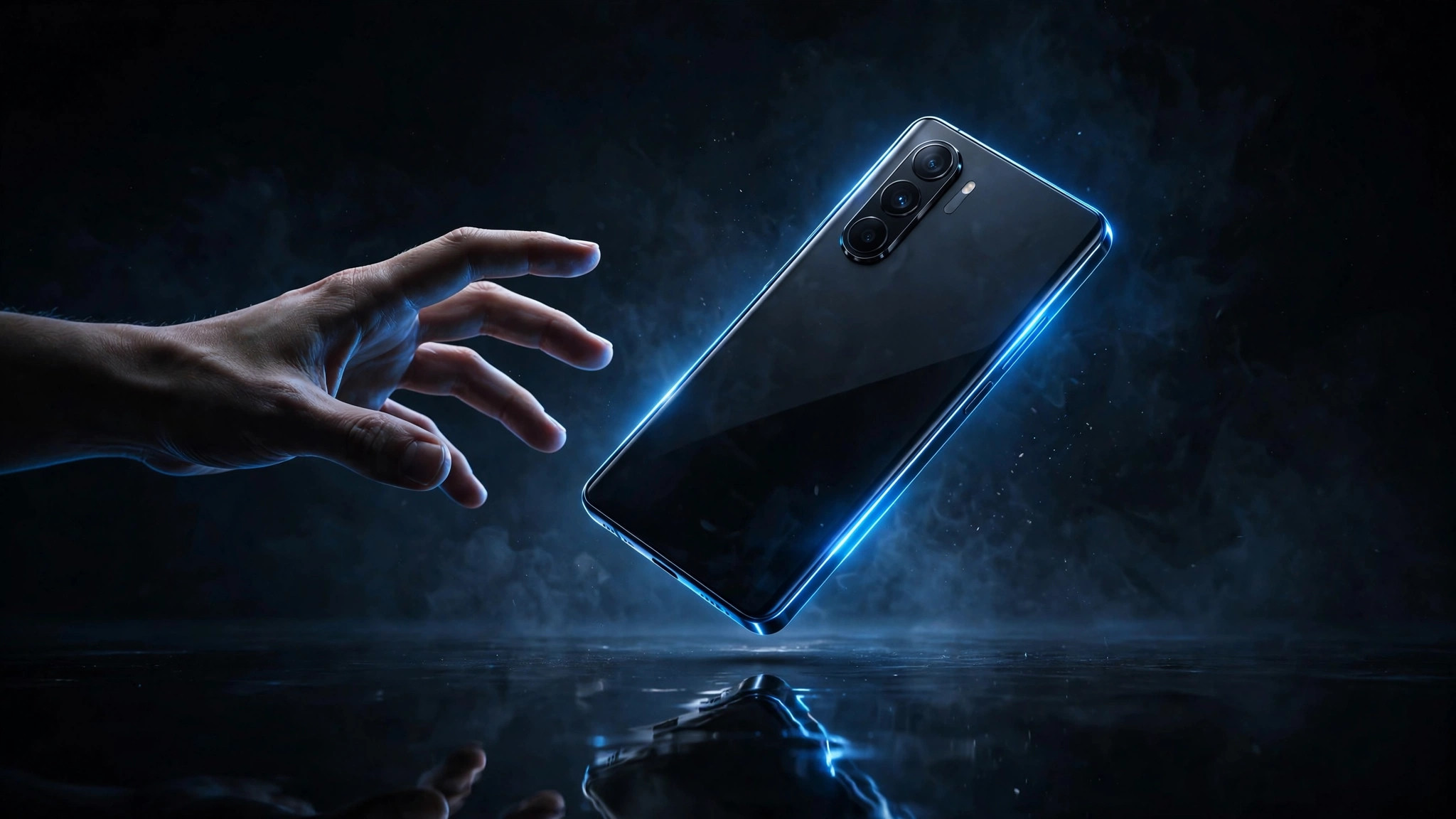
Tech Review Thumbnail example
Tech Review Thumbnail
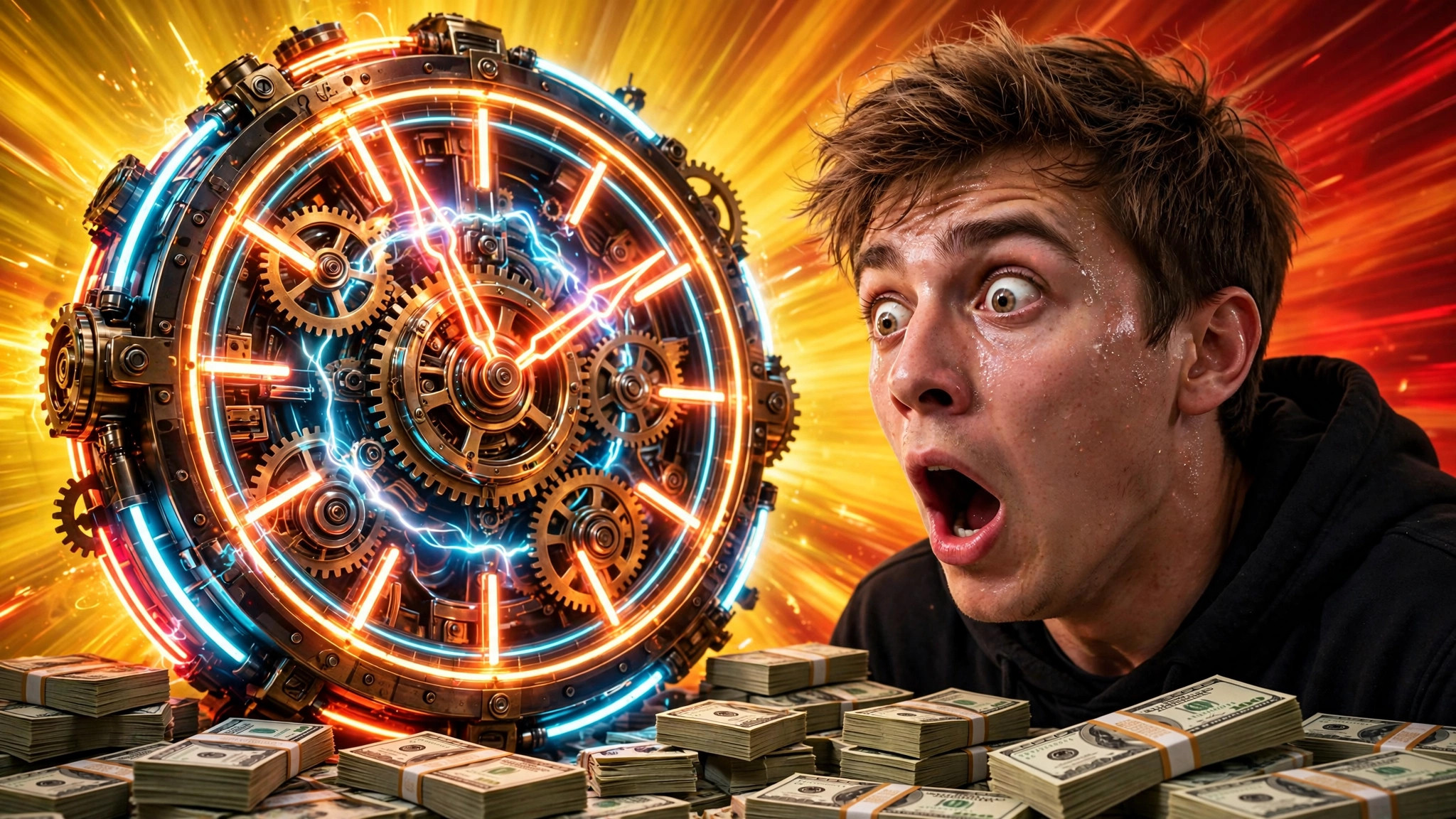
Challenge Video Thumbnail example
Challenge Video Thumbnail

Why This Prompt Works

  • Feature the character's face β€” human-like eyes pull clicks.
  • Use your game's actual colour palette so fans recognise it instantly.
  • Keep one focal explosion; two looks messy at small sizes.

Best For

πŸ“ΈInstagram DPπŸ‘€Profile PicturesπŸ“±Social Media Posts🎨Creative ProjectsπŸ‘—Fashion Portraits
How to Use−
  1. Copy the prompt.
  2. Name your game and scene.
  3. Generate with Gemini.
  4. Add episode number or hook text.
  5. Upload.
Prompt Variations (3)+
  • Couple version: replace β€œmy selfie” with β€œa photo of us together” for a matching couple portrait.
  • Festive twist: add β€œwearing festive ethnic attire, diya-light bokeh in the background” for a Diwali-ready version.
  • B&W classic: append β€œblack and white, high-contrast studio portrait” for a timeless monochrome look.
Things to Avoid+
  • Don’t upload a blurry or group photo β€” the AI needs one clear face to lock onto.
  • Don’t delete the β€œkeep my face unchanged” line, or the result won’t look like you.
  • Don’t stack heavy filters afterwards β€” they undo the realistic finish.
Does it work for BGMI thumbnails?+

Yes β€” describe 'BGMI-style battleground' in the brackets and the art direction follows.

Can I make thumbnails for live streams?+

Yes β€” add 'LIVE' text in your editor; the art already has the energy.

What if my game is chill like Minecraft?+

Swap 'explosive battle' for 'blocky adventure landscape' β€” the composition formula still works.

Related Prompts

View All →

Updated on 2026-10-06 · Free to use