01What this prompt does
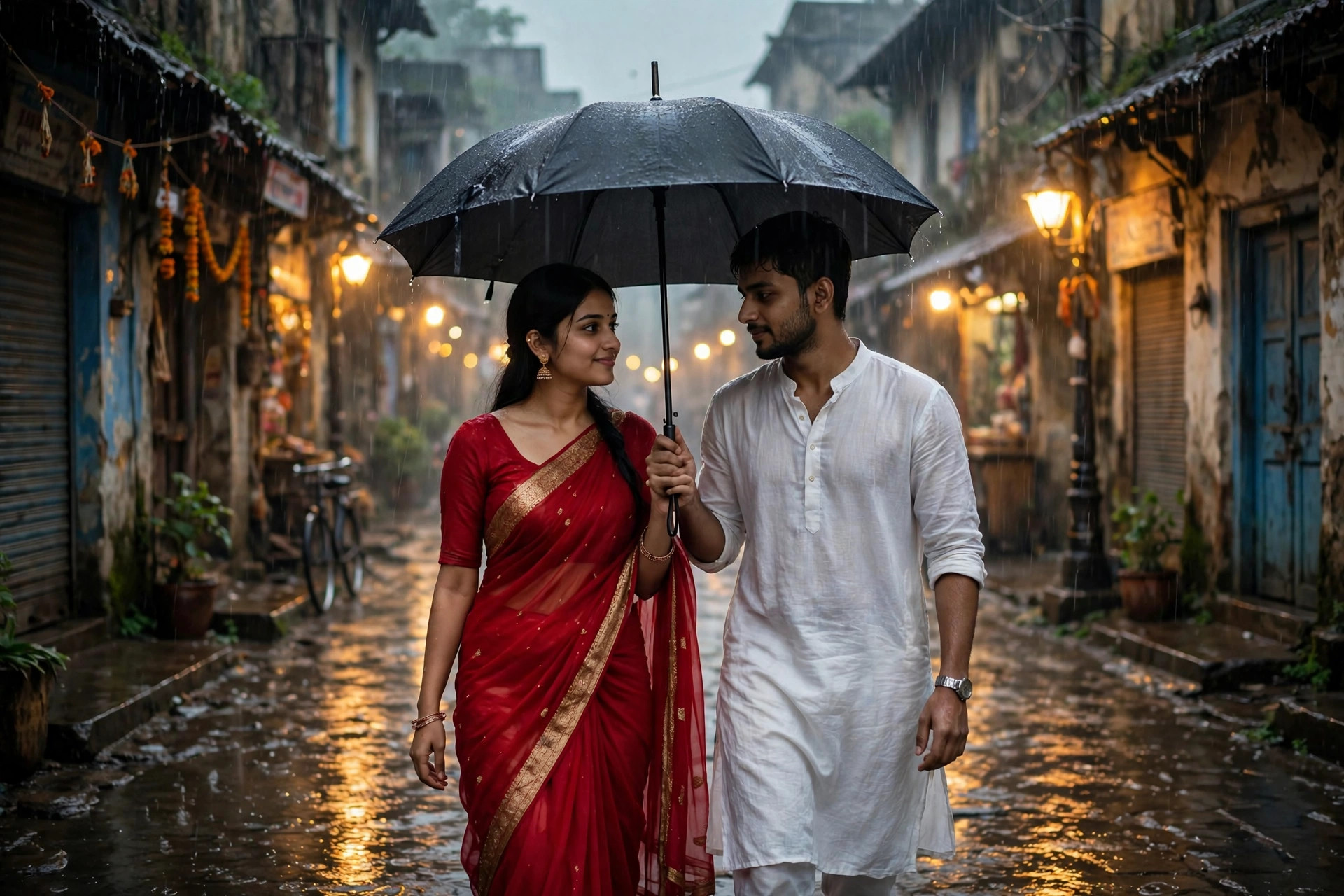
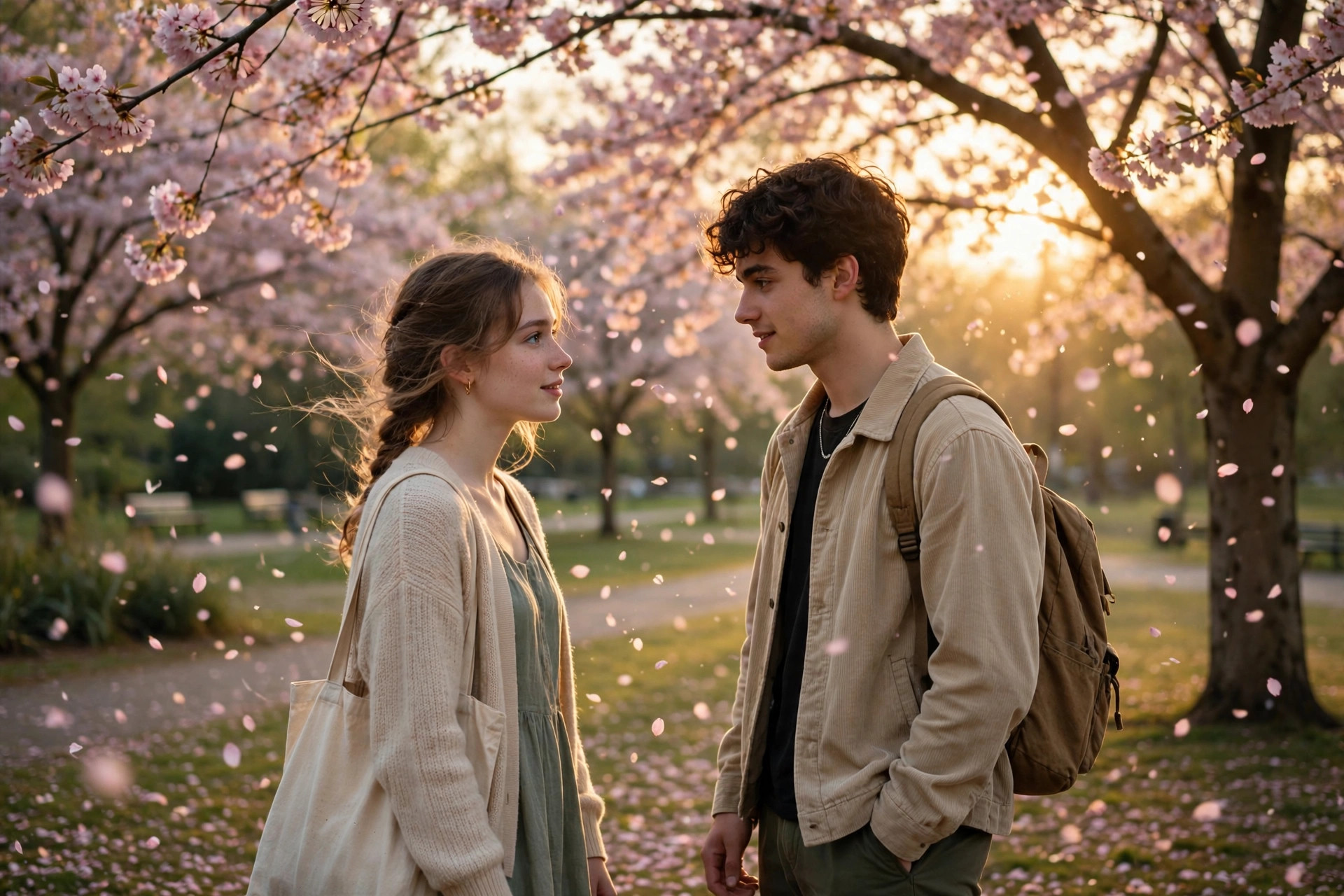
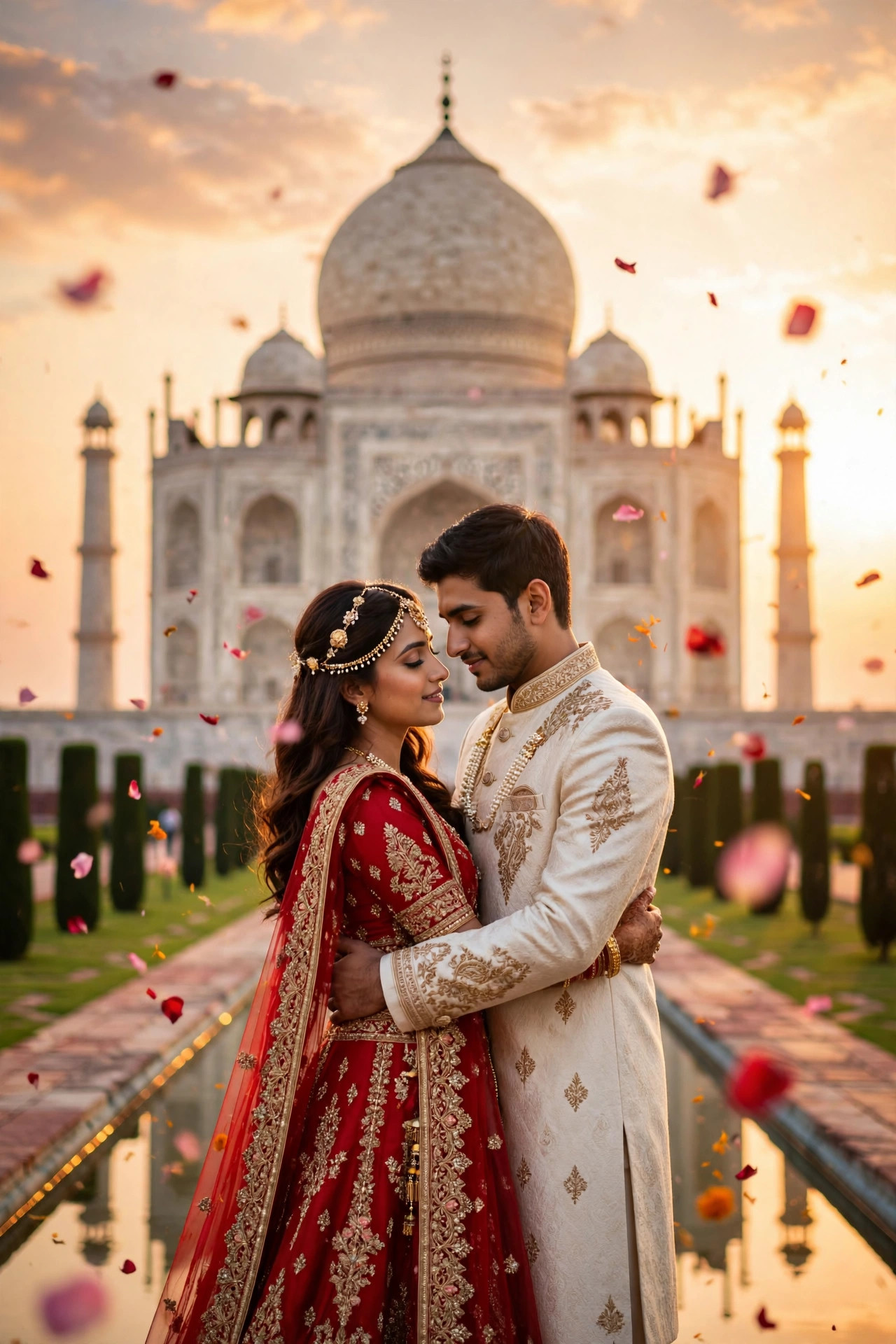
This prompt turns a pair of couple selfies into a travel reel that looks like it cost two flight tickets: beach sunset, mountain dawn, old-town blue hour, stitched into one 10-second montage. It exploits what AI video does best — environments and atmosphere — while keeping the hard part (your faces) locked from your uploads. Couples use it as anniversary posts, 'manifesting our next trip' reels, and save-the-date videos with serious wanderlust energy.
02Tips to get the best result
- Upload clear front-facing photos of both people; the model needs strong facial reference to keep you recognisable across three scenes.
- Keep the outfit description consistent — outfit changes mid-montage break the illusion instantly.
- If a face drifts in scene 3, regenerate: likeness consistency is the hardest part and varies run to run.
- Add your own trending travel audio — the AI clip is silent, and audio carries half the reel's emotion.
- Swap in destinations that mean something to you two ('the Santorini trip we keep postponing') for comments full of tags.
03How to use it (3 steps)
- Upload clear photos of both of you to Veo 3's image-to-video.
- Paste the montage prompt above (edit the destinations if you like).
- Pick the take where both faces hold up across all three scenes, add trending audio, and post.
04Frequently asked questions
How do I keep our faces consistent across scenes?−
Strong source photos are everything — clear, front-facing, well-lit. The prompt also repeats the likeness instruction per scene.
Can I use more than three destinations?+
Three is the sweet spot for 10 seconds. More scenes mean less time each and weaker face consistency.
Does it work for solo travel montages?+
Yes — upload one photo and change 'couple' to 'solo traveller' in the prompt. Same cinematic effect.
Which app should I use?+
Veo 3 handles multi-scene consistency best. Keep generations at 10 seconds; longer runs drift more.
Updated on 29 September 2026 · Free to use