01What this prompt does
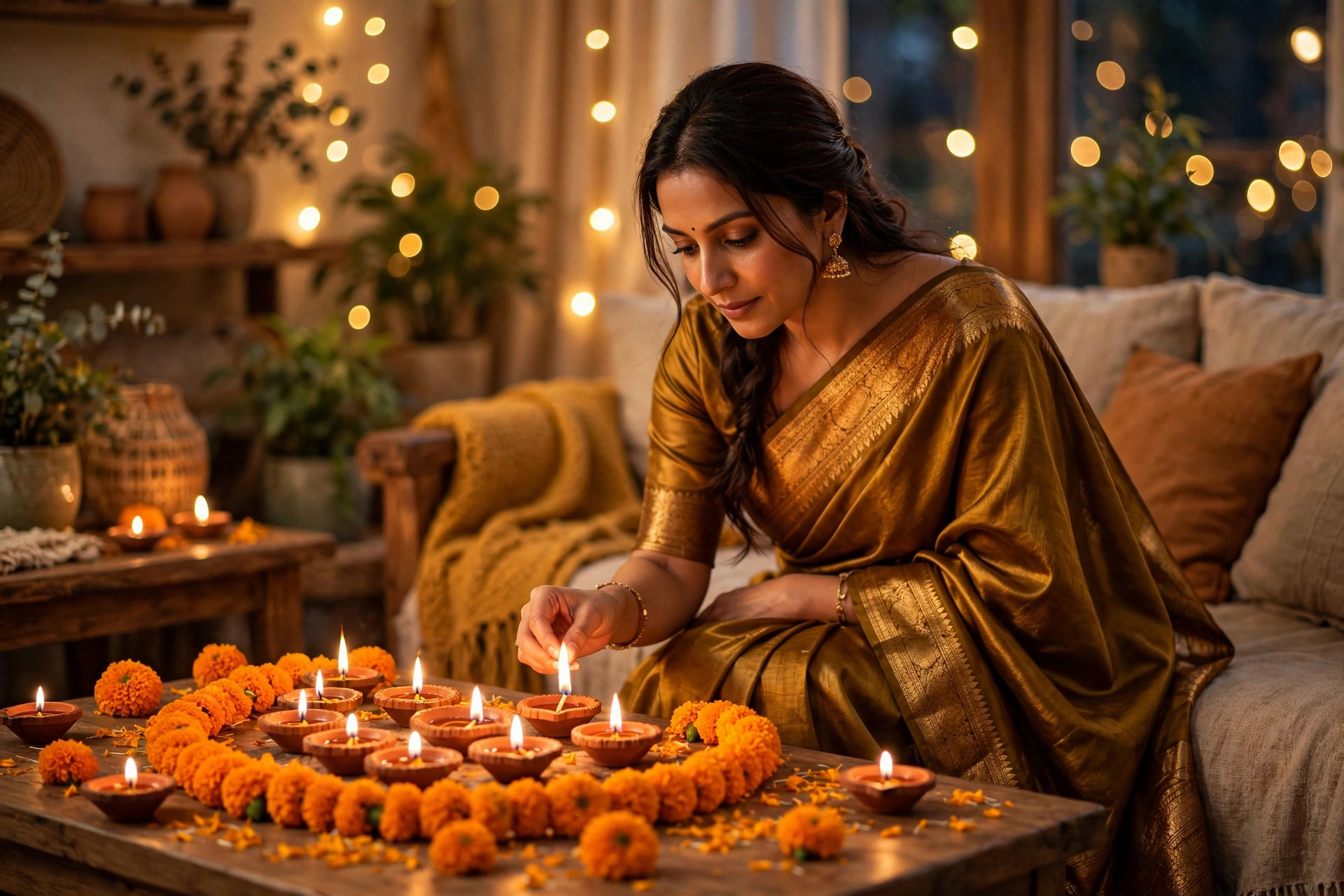
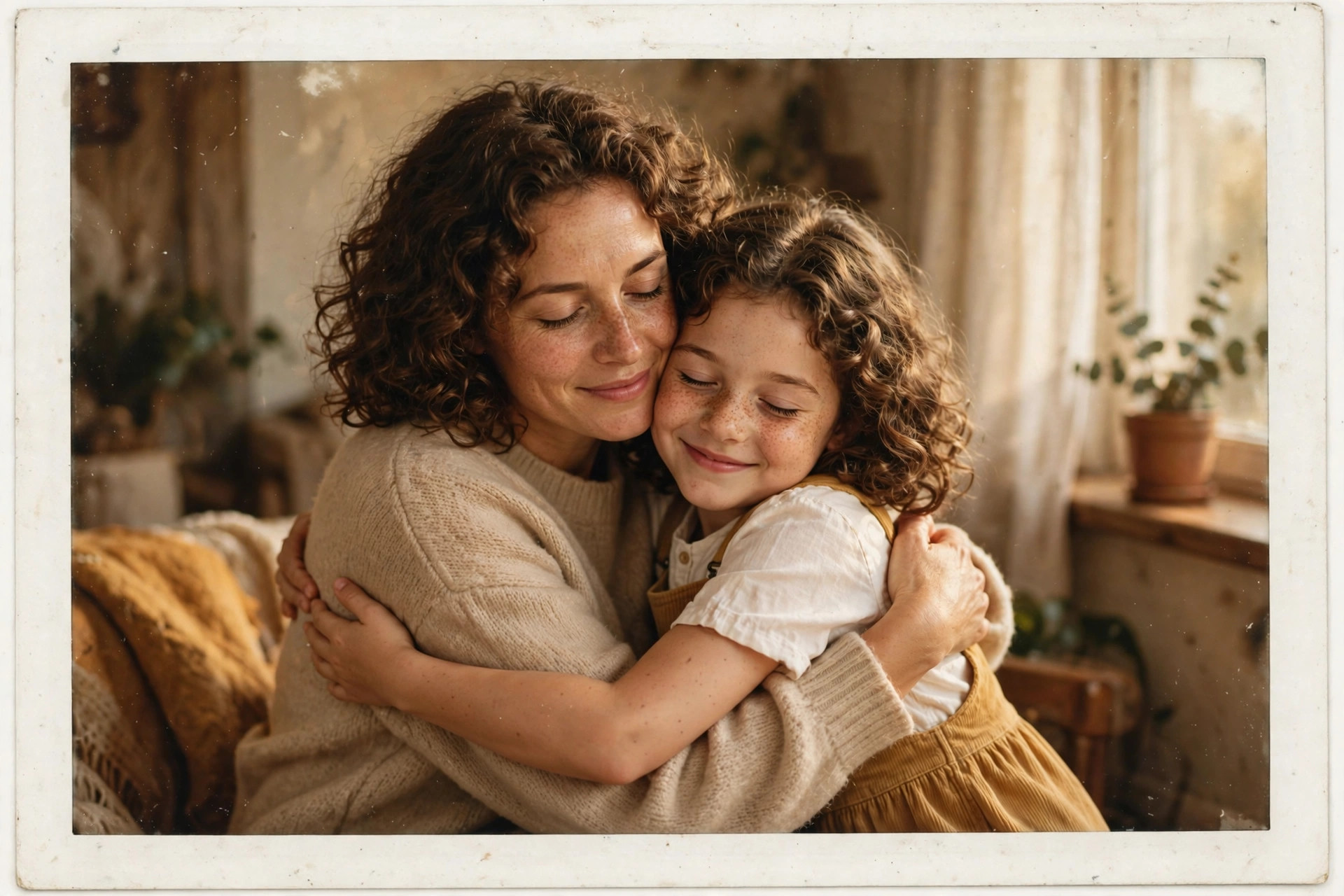
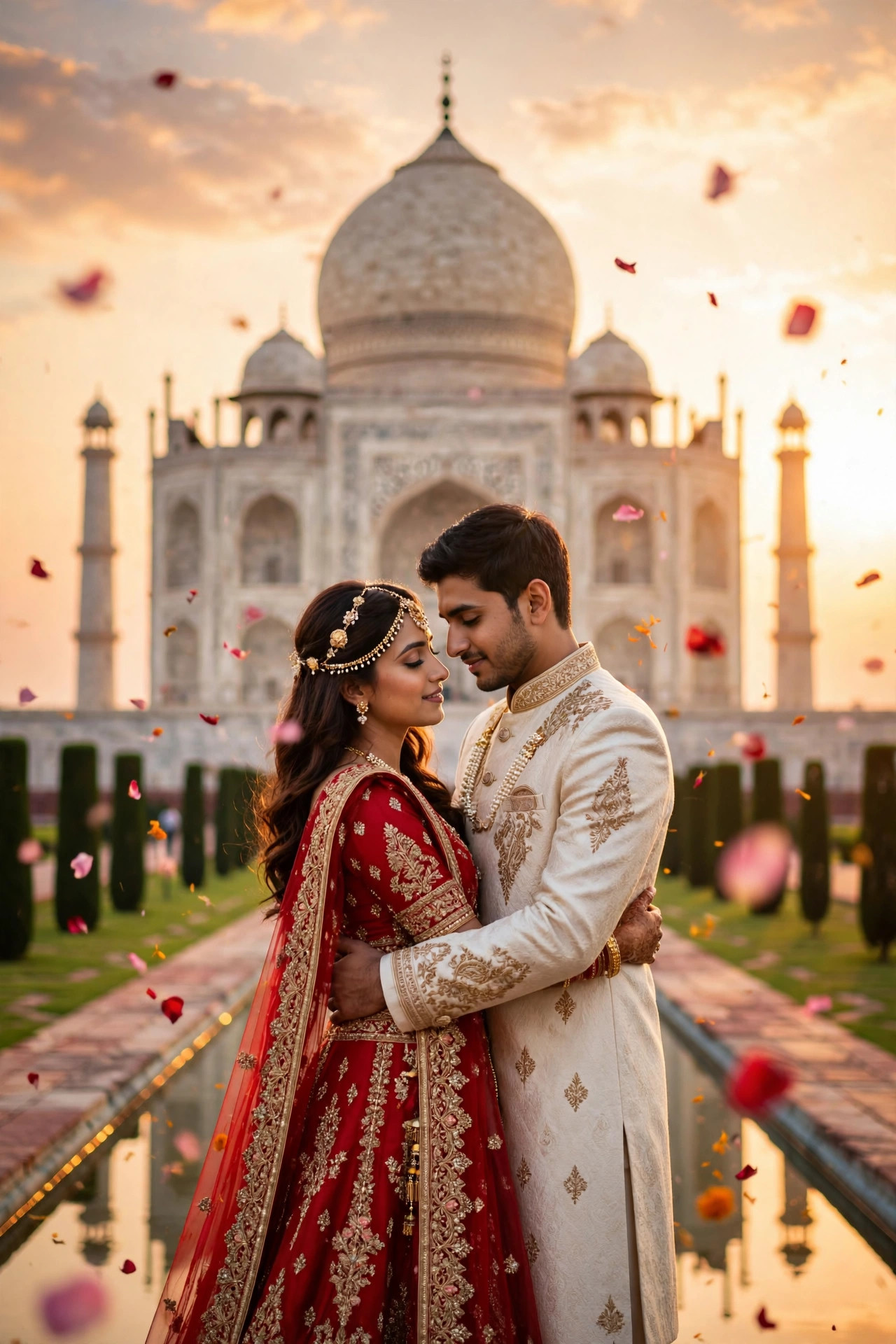
This prompt solves the annual Diwali headache: getting the whole family dressed up, coordinated and photographed together. Upload one ordinary family photo and the AI re-dresses everyone in a coordinated ethnic palette — maroon, gold, cream — against a warm diya-and-marigold backdrop, keeping every face and position intact. The result looks like a professional festive shoot, which is exactly why families use it for Diwali greeting cards and framed prints.
02Tips to get the best result
- Use a photo where every face is clearly visible and reasonably large — tiny background faces come back as strangers.
- Keep everyone at a similar distance from the camera; big size differences between faces confuse the re-dressing.
- Mention your preferred palette in the prompt ('emerald and gold' instead of maroon) to match your actual festive outfits.
- Generate two versions and compare the kids' faces — children's smaller faces need the most checking for likeness.
- Print-worthy trick: ask for the final in the same prompt with 'high detail, sharp focus on every face' for framing.
03How to use it (3 steps)
- Pick a clear family photo where all faces are visible, and upload it to Gemini.
- Paste the family ethnic prompt above (edit the colour palette if you like).
- Check every face for likeness, regenerate once if needed, then use it for your Diwali card or framed print.
04Frequently asked questions
How many people can be in the photo?−
It works best with 3 to 8 clearly visible faces. Beyond that, the people at the edges start losing likeness.
Will the outfits look the same on everyone?+
They will be coordinated, not identical — the prompt asks for a matching palette with varied ethnic outfits, so it looks styled rather than uniform.
Can I use an old scanned family photo?+
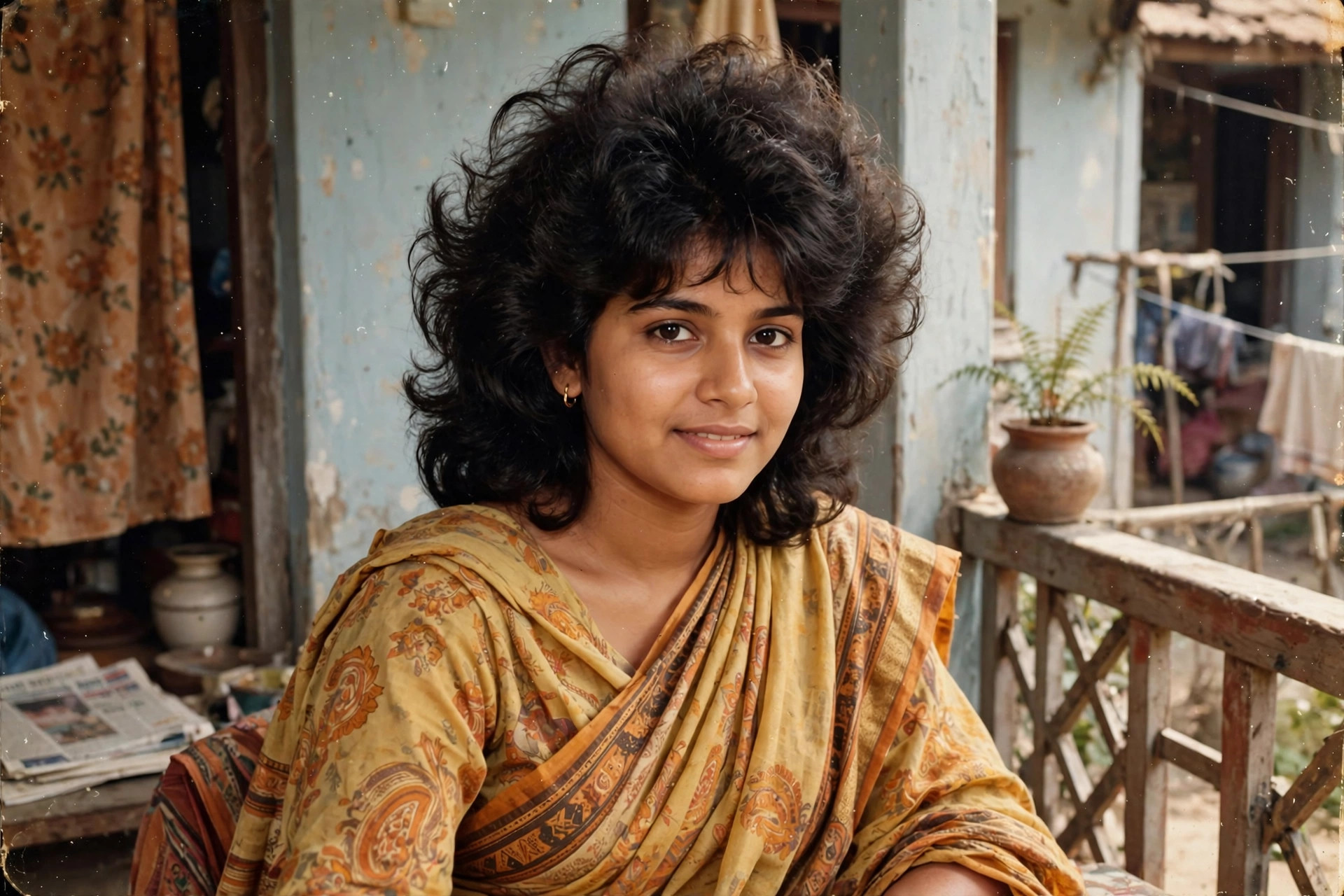
Yes, but scan it at high resolution first. The AI can only preserve detail that exists — blurry scans give soft faces.
Which tool should I use?+
Gemini handles multi-person edits most reliably. Keep everyone well-lit in the source photo for the best result.
Updated on 29 September 2026 · Free to use