Blog

YouTube Channel Banner Prompt

NEW

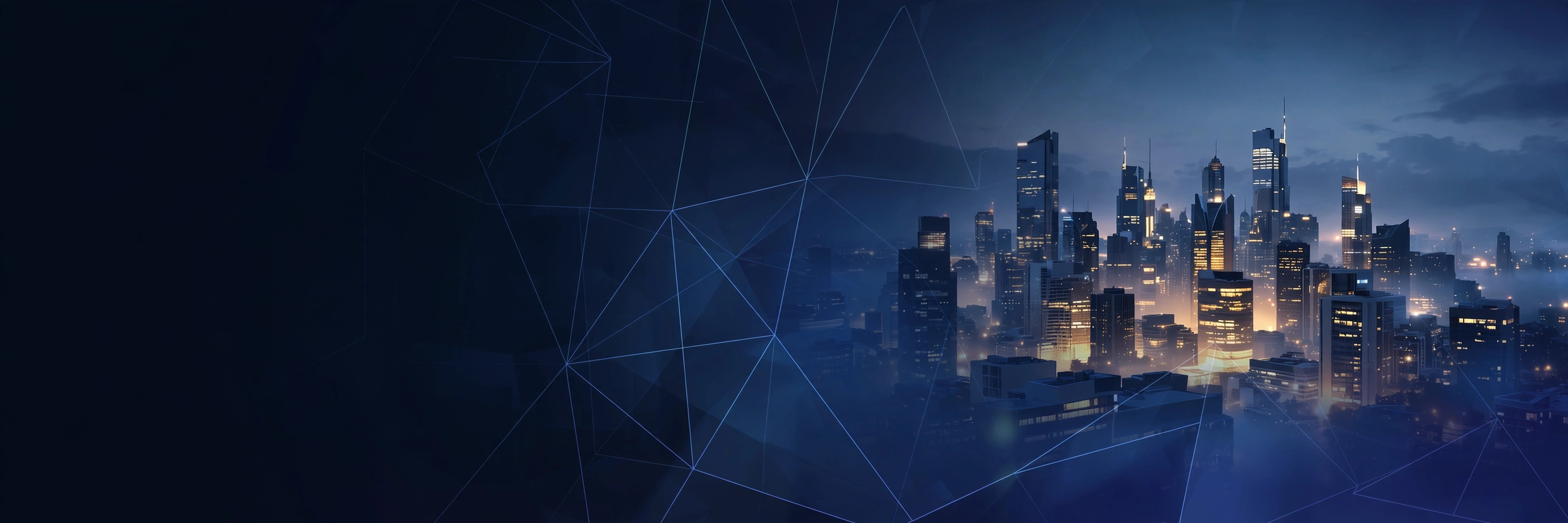
Your banner is your channel's billboard. This prompt builds clean, professional 2560x1440 channel art with the safe area respected β€” your name stays visible on every screen.
PhotoGemini
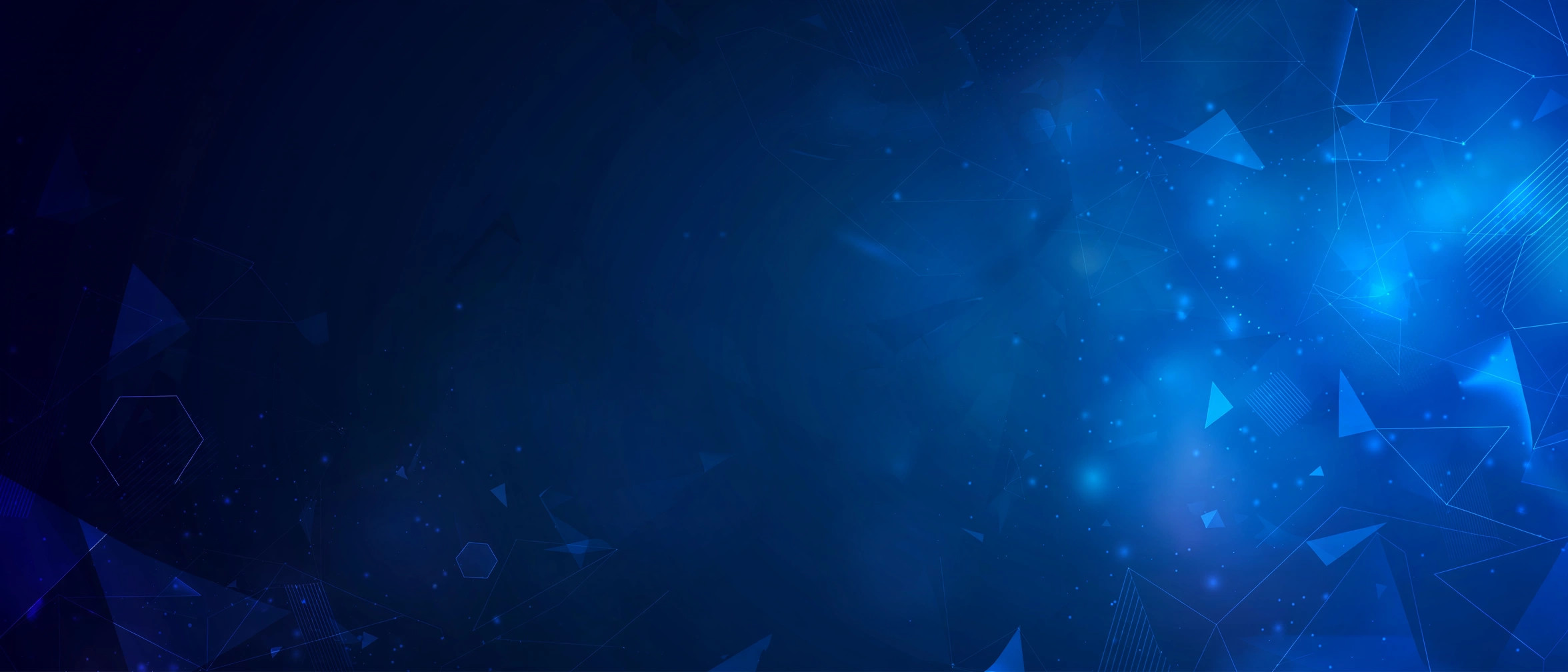
YouTube Channel Banner β€” example result
πŸ“‹ Copy This Prompt
Create a YouTube channel banner in ultra-wide 2560x1440 composition. Theme: [YOUR NICHE, e.g. tech reviews / travel vlogs / gaming]. Style: cinematic gradient background (deep navy to electric blue) with subtle abstract shapes and soft glow. Keep the central 1546x423 safe area clean and uncluttered β€” place the main visual interest at the edges. Mood: professional, modern, premium. Details: soft depth of field, no text, no watermark, no logos, no faces cut off at edges. Make it look like a 1M-subscriber channel's banner β€” polished and memorable.

Example Results

View More →
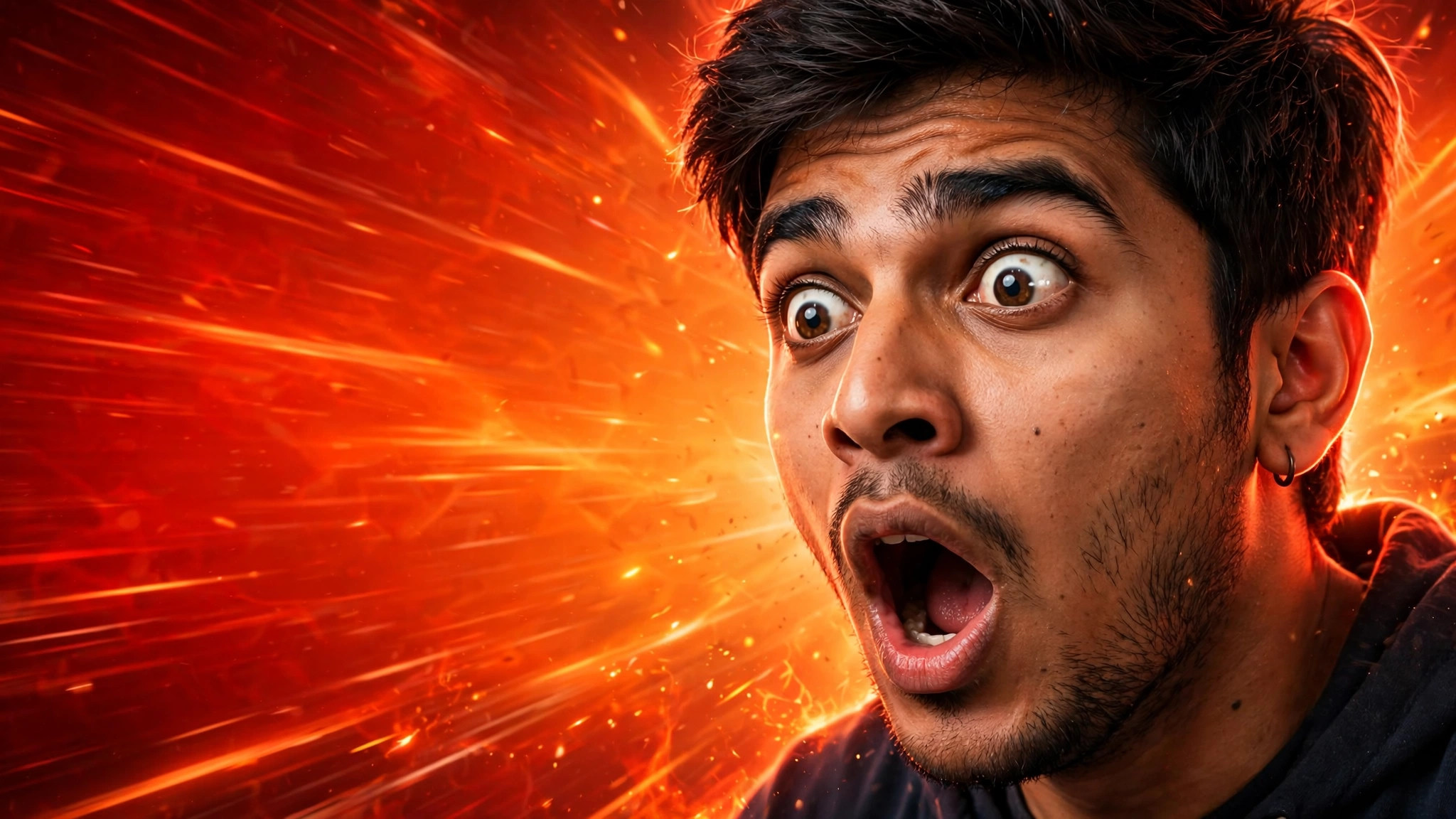
Viral YouTube Thumbnail example
Viral YouTube Thumbnail
LinkedIn Banner Background example
LinkedIn Banner Background
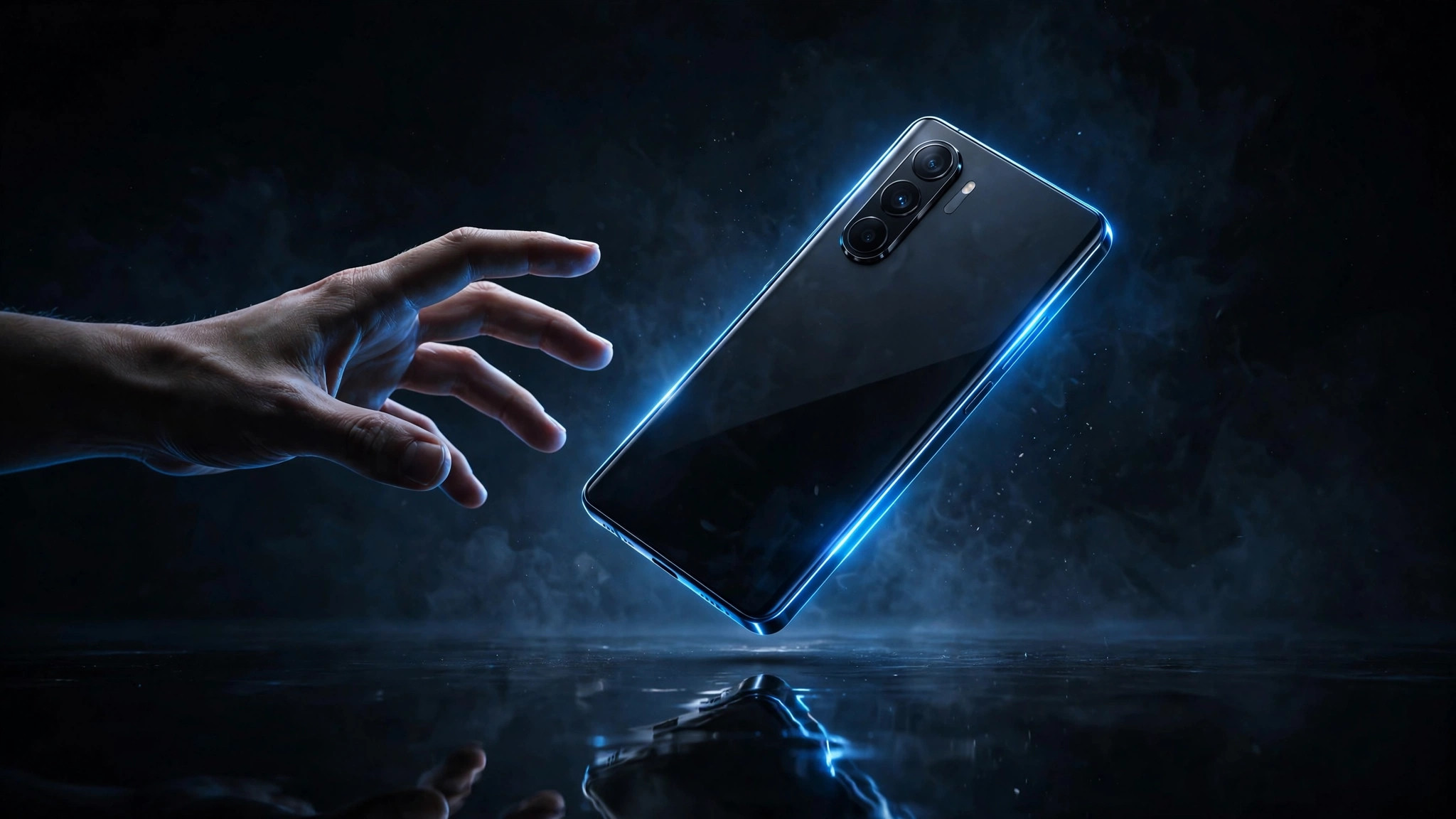
Tech Review Thumbnail example
Tech Review Thumbnail

Why This Prompt Works

  • Never put important visuals in the centre safe zone β€” YouTube crops banners on mobile.
  • Match your banner colours to your profile picture for a cohesive brand.
  • Regenerate when you rebrand; a stale banner signals an inactive channel.

Best For

πŸ“ΈInstagram DPπŸ‘€Profile PicturesπŸ“±Social Media Posts🎨Creative ProjectsπŸ‘—Fashion Portraits
How to Use−
  1. Copy the prompt.
  2. Insert your niche in the brackets.
  3. Generate with Gemini in landscape.
  4. Add your channel name in the safe area using Canva.
  5. Upload via YouTube Studio > Customisation > Branding.
Prompt Variations (3)+
  • Couple version: replace β€œmy selfie” with β€œa photo of us together” for a matching couple portrait.
  • Festive twist: add β€œwearing festive ethnic attire, diya-light bokeh in the background” for a Diwali-ready version.
  • B&W classic: append β€œblack and white, high-contrast studio portrait” for a timeless monochrome look.
Things to Avoid+
  • Never put important visuals in the centre safe zone β€” YouTube crops banners on mobile.
  • Don’t delete the β€œkeep my face unchanged” line, or the result won’t look like you.
  • Don’t stack heavy filters afterwards β€” they undo the realistic finish.
What is the YouTube banner safe area?+

The central 1546x423 px stays visible on all devices. This prompt keeps that zone clean automatically.

What size should I upload?+

2560x1440 px, under 6MB. Generate wide and crop if needed.

Can I use my face in the banner?+

Yes β€” describe yourself in the niche bracket and the prompt composes around it, keeping the safe area clear.

More AI Professional Headshot Prompts →

Related Prompts

View All →

Updated on 2026-10-06 · Free to use